| Number: | 202510111022181265 |
|---|---|
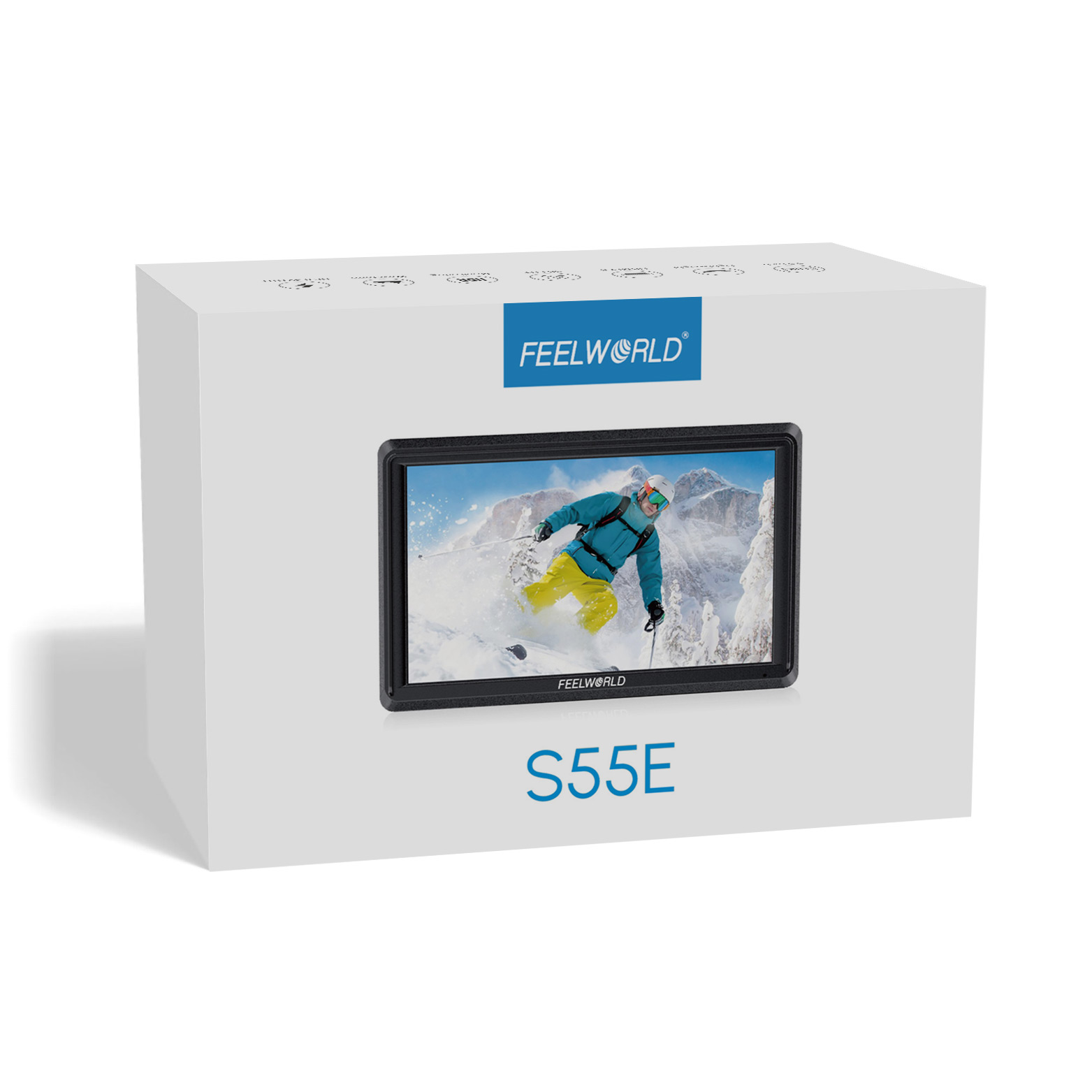
| Model: | S55E |
| Size: | 5.5" IPS |
| Introduction: |
Screen Size: 5.5" IPS
Resolution: 1920x1152 pixel Aspect ratio: 16:9 Brightness: 500cd/m² |
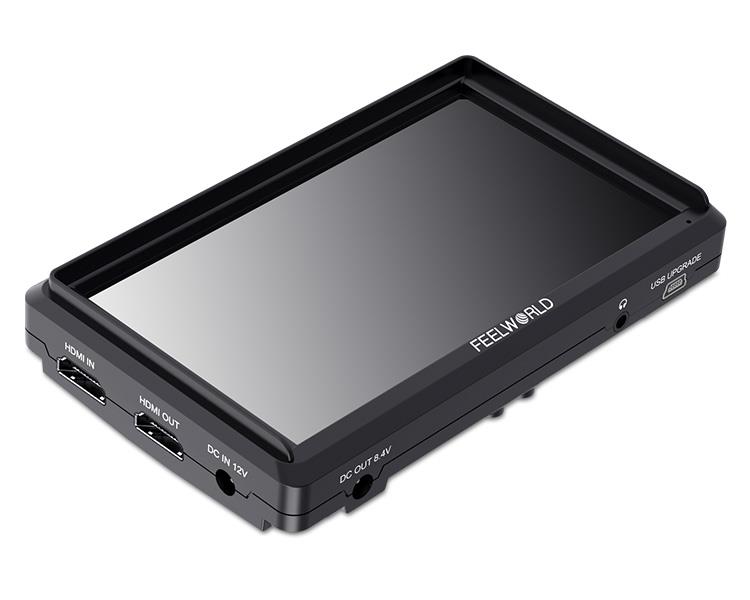
| Input: | HDMI, DC 12V IN, Mini USB |
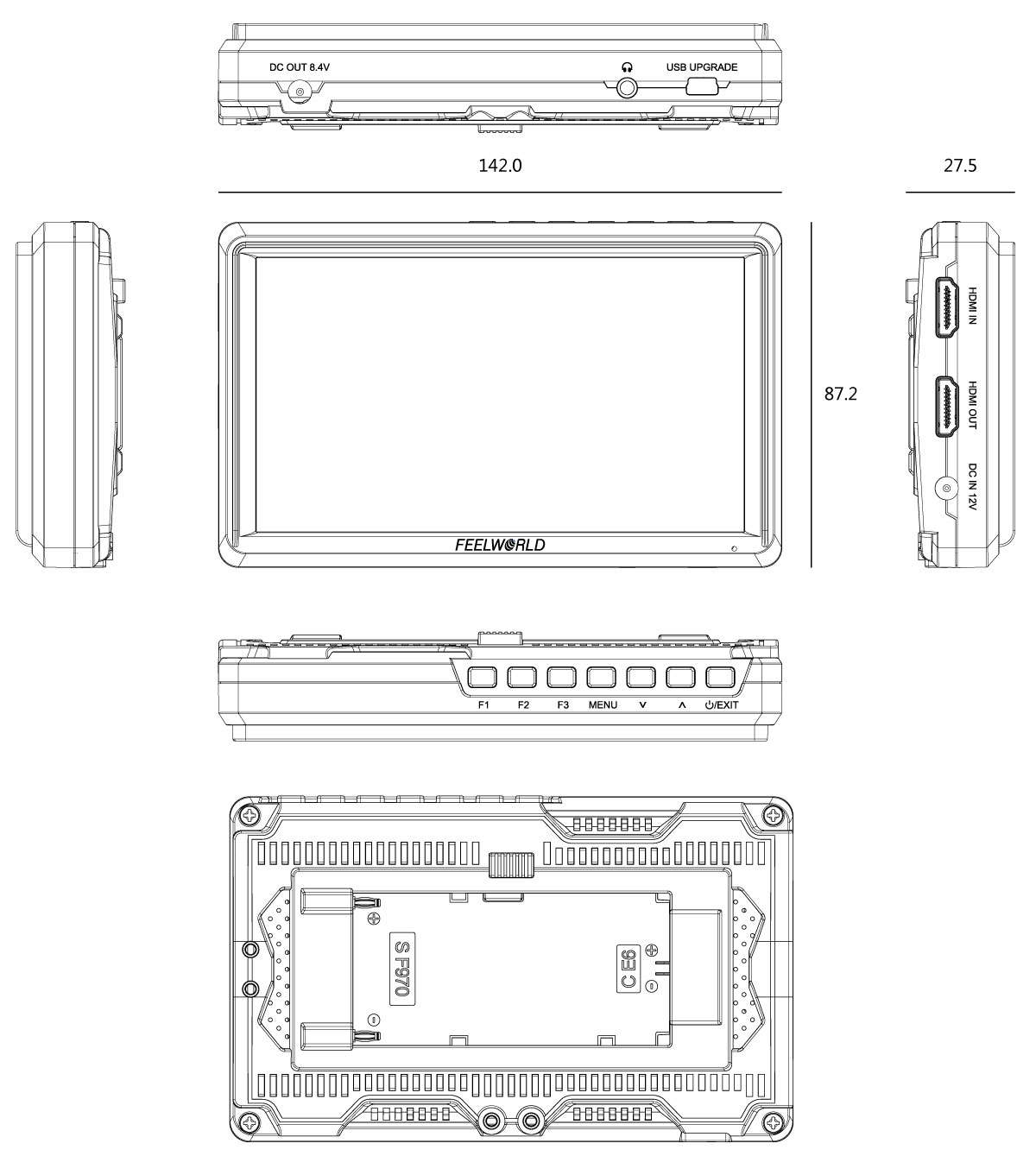
| Output: | HDMI, Stereo Headphone, DC OUT 8.4V, Barrel (5.5mm outer, 2.1mm inner; Power DSLR or mirrorless camera) |
| DM: | |
| Download: | |
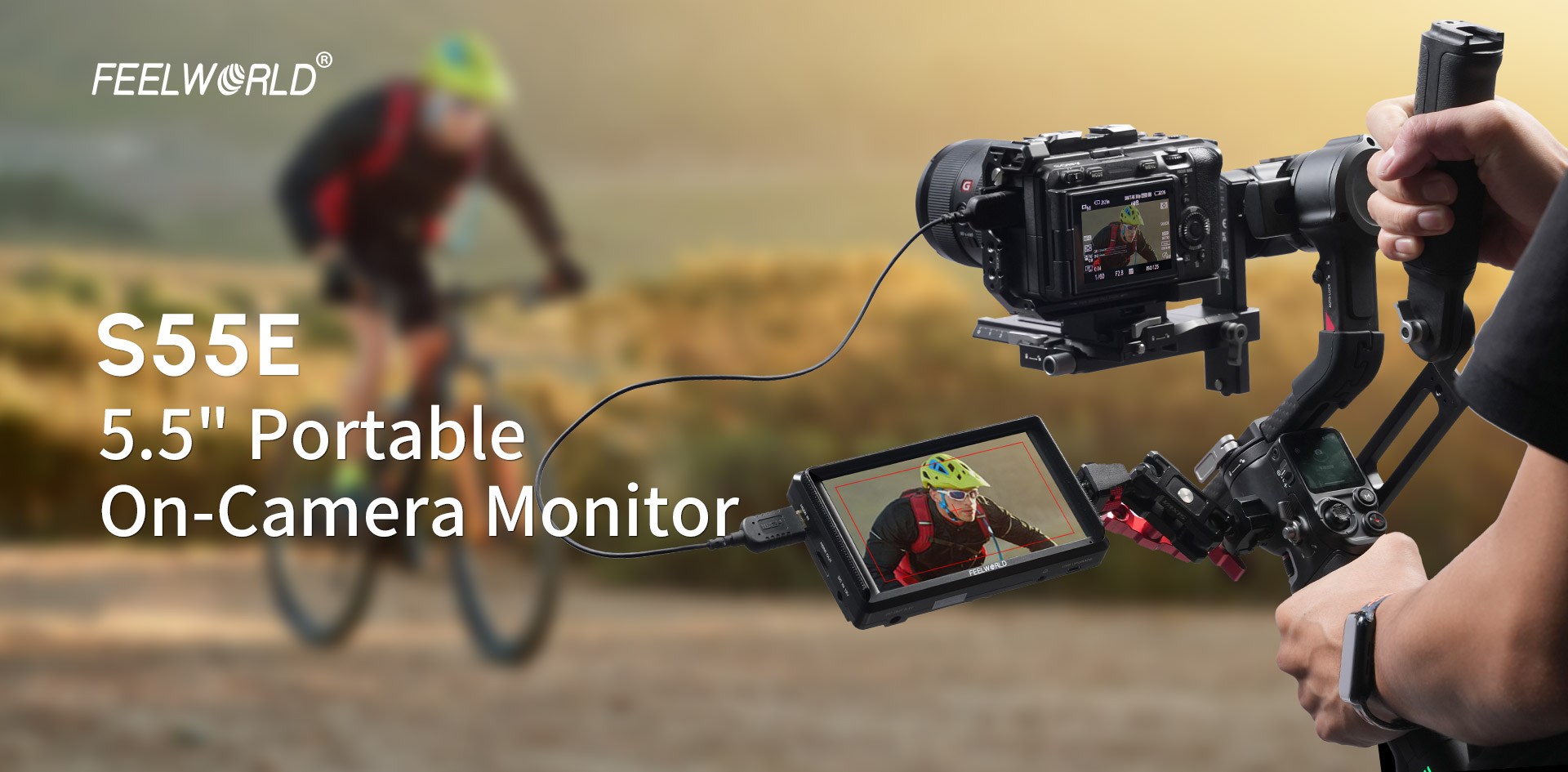
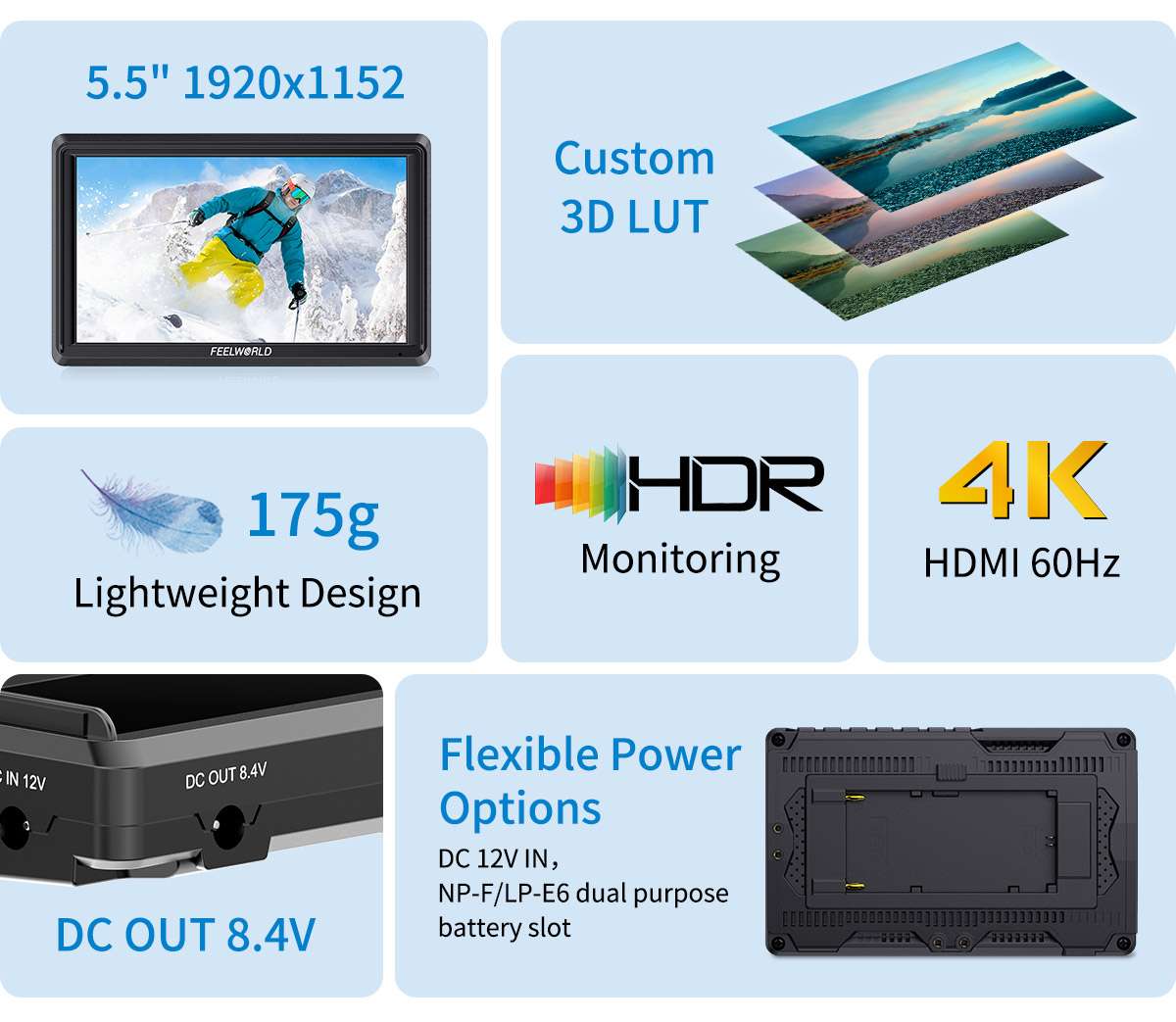
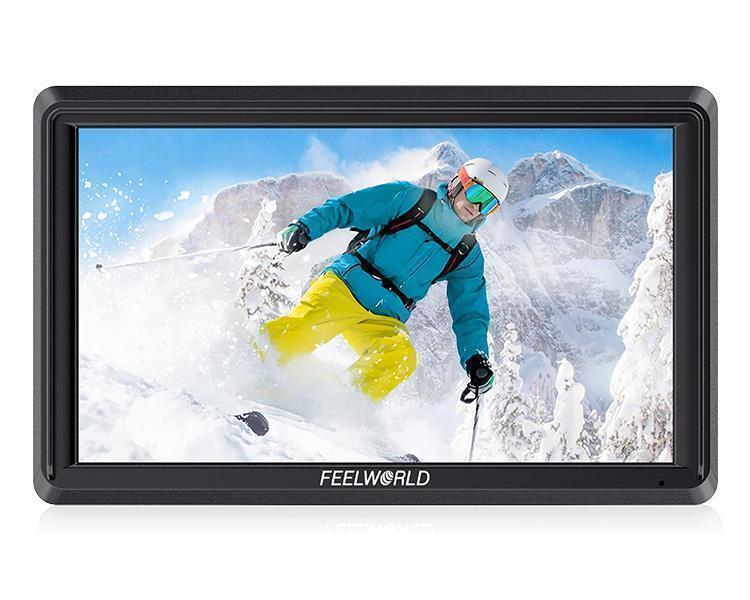
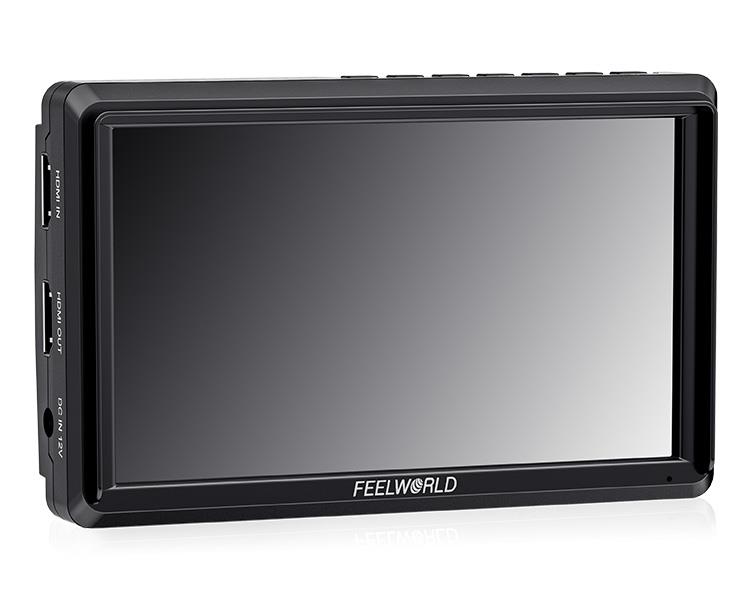
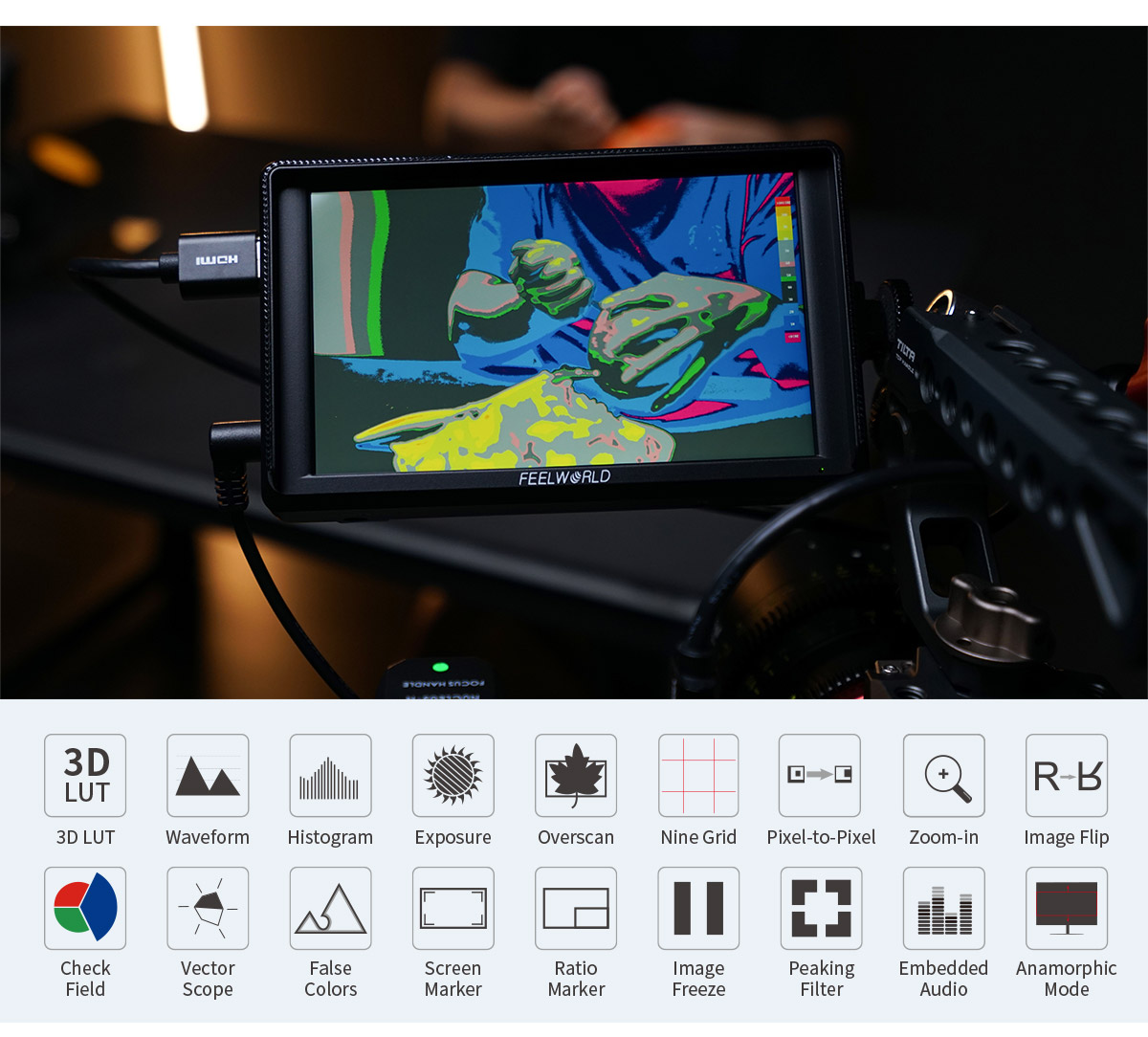
The FEELWORLD S55E features a 5.5-inch full HD IPS panel, delivers exceptionally detailed and true-to-life image; super lightweight design, portable and perfect for outdoor or mobile shooting; HDMI supports up to 4K 60Hz high speed transmission; built-in3D LUT , HDR, waveform and other professional functions, empower your creativity.
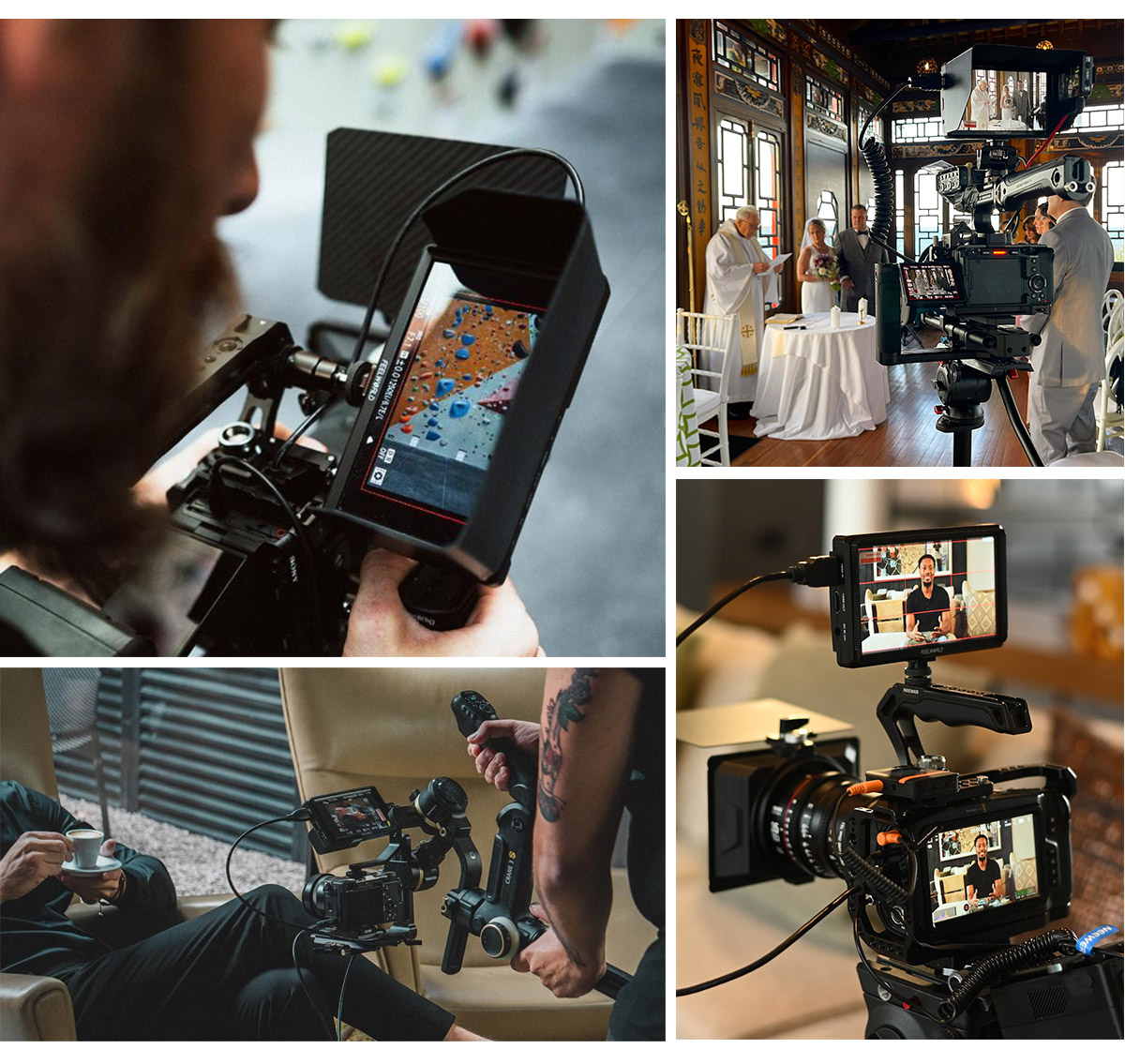
Featuring a 5.5-inch IPS LCD panel for exceptional color performance and a 160°viewing angle,delivering a superior visual experience.
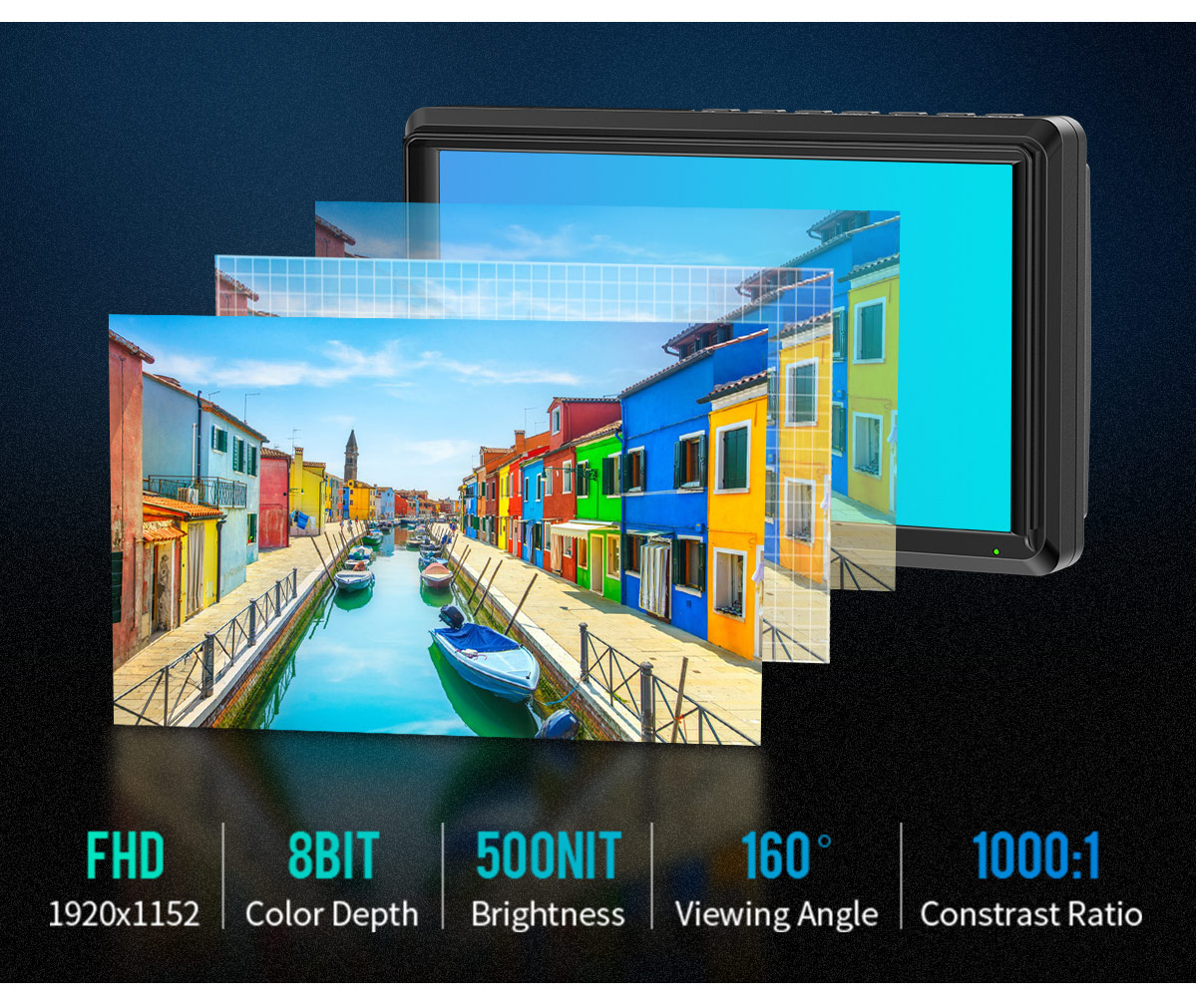
175g Super light-weight and compact size design, ideal for gimbals and compact camera devices,makes great convenient for cameraman in outdoor or handheld applications.
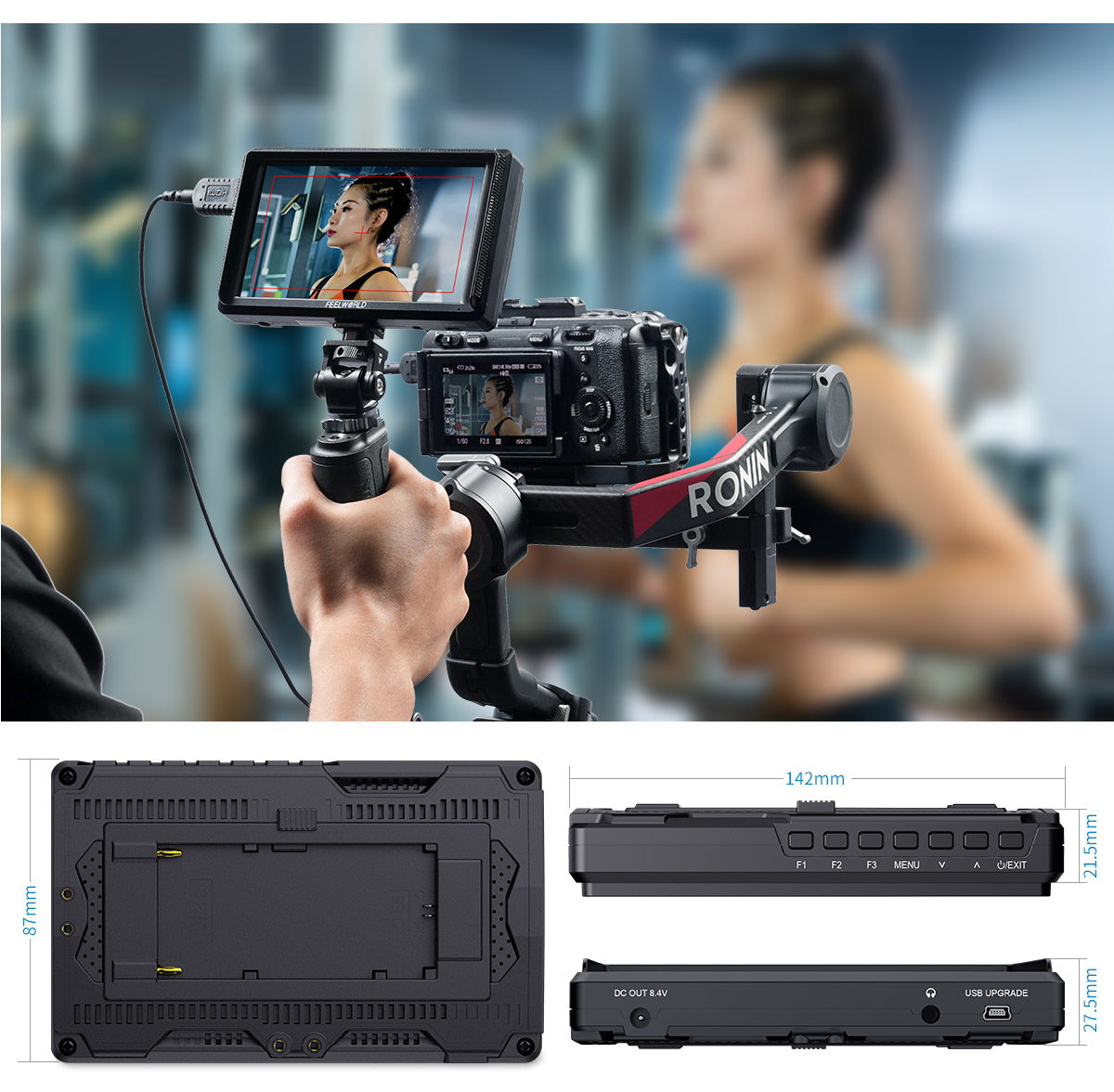
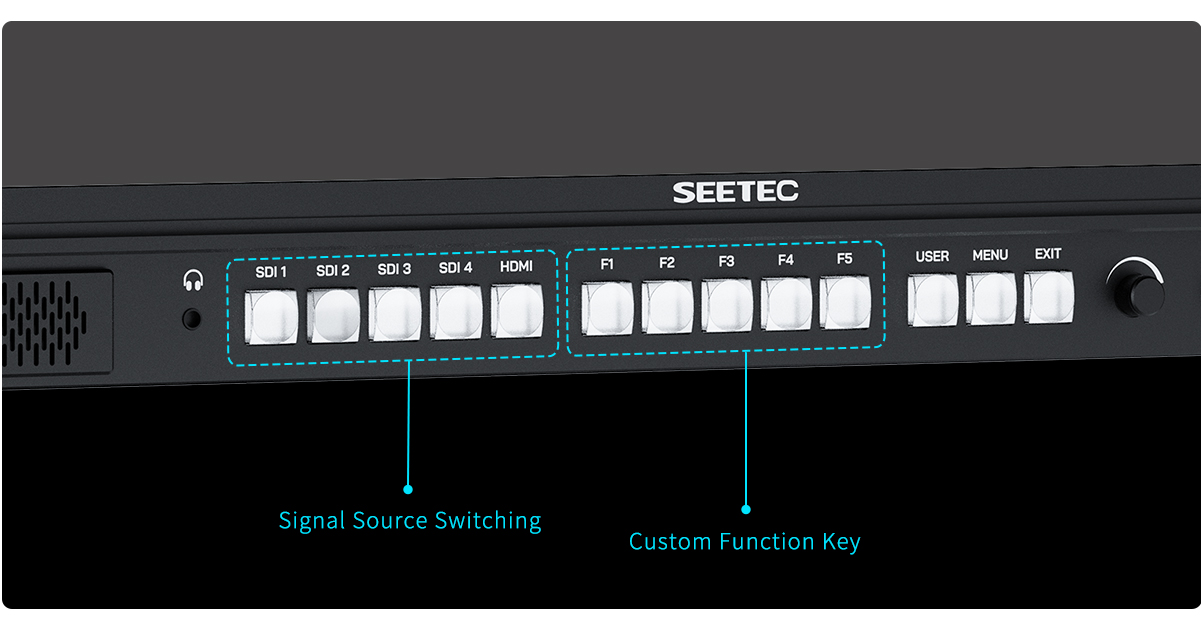
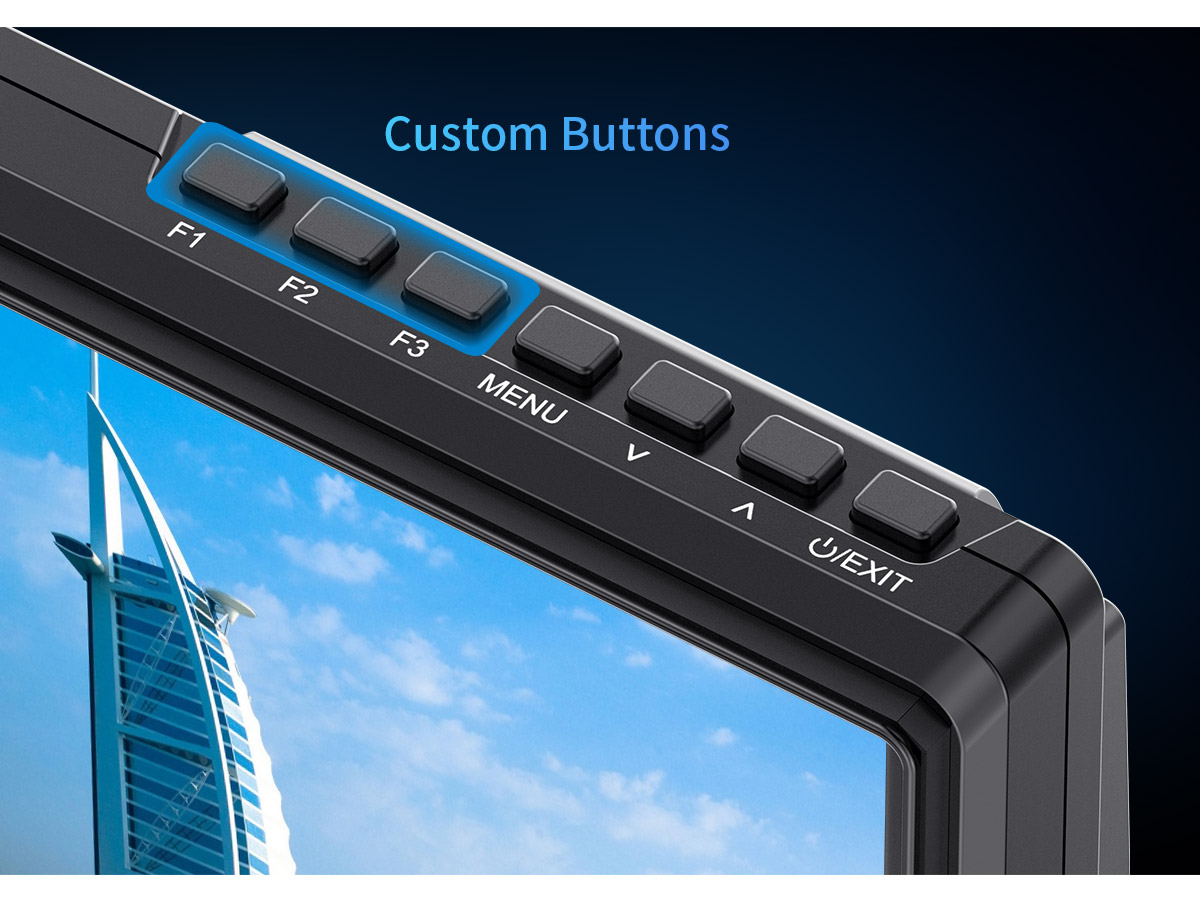
S55E provides multiple intuitive buttons for easy menu navigation. Three customizable shortcut keys allow you to pre-assign frequently used functions based on actual shooting needs, enabling faster adjustments and improving on-set efficiency.
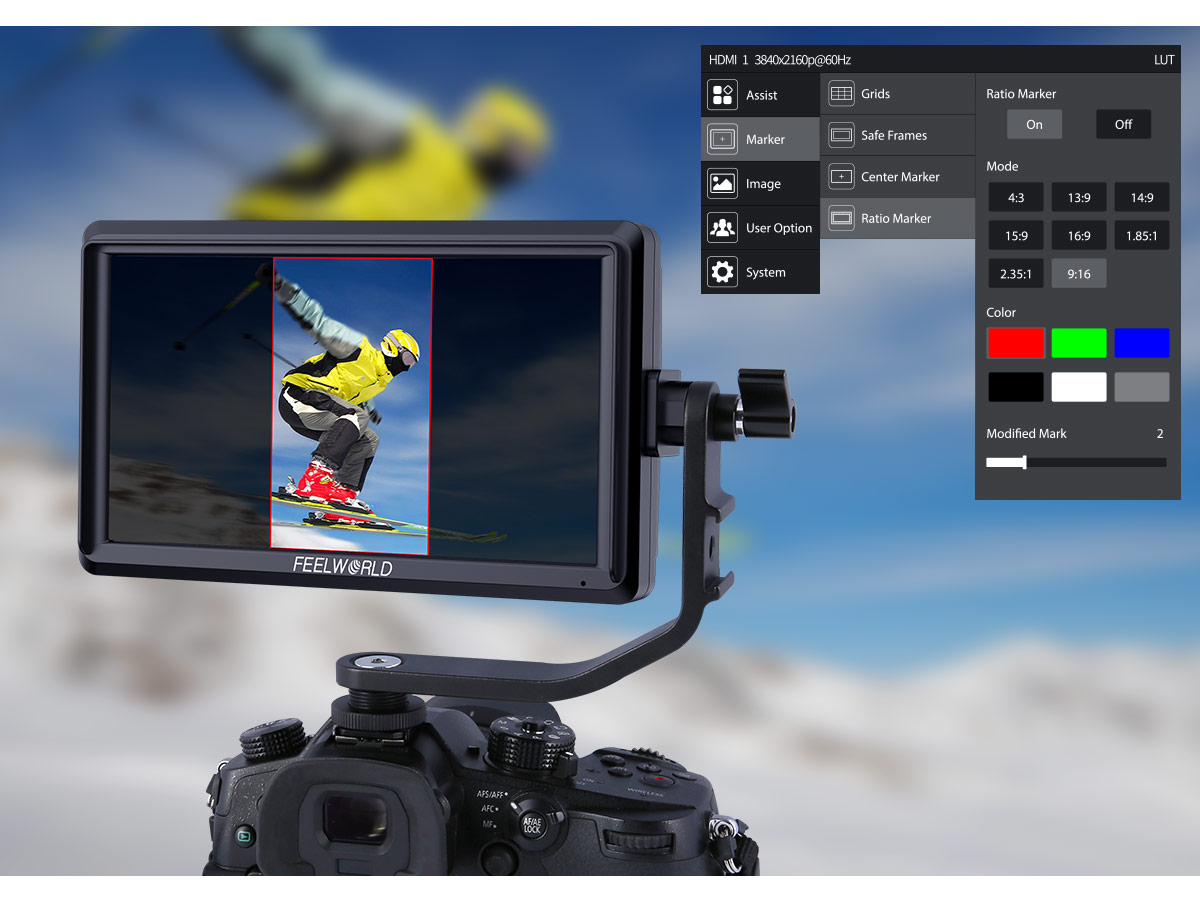
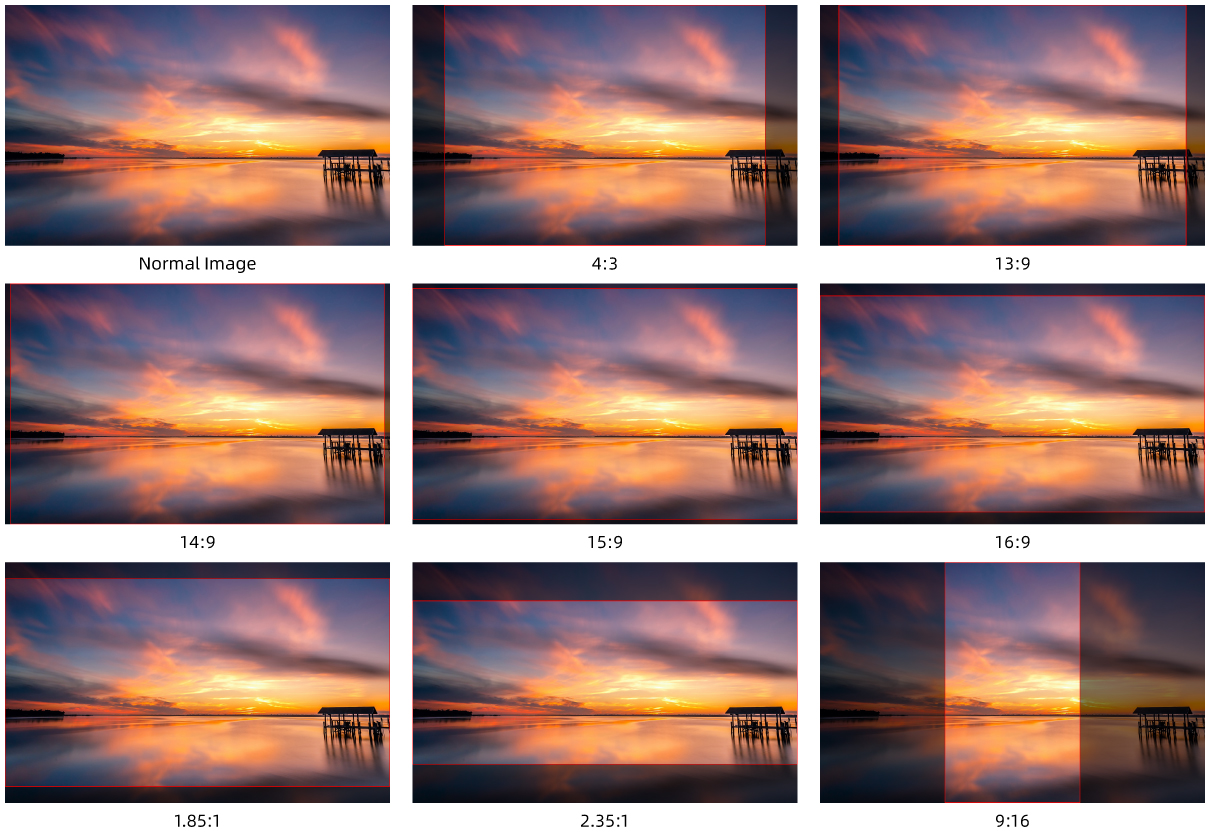
S55E has many kinds of ratio marker, especially the vertical screen marker 9:16. Perfect for vertical screen platform such as Tik tok, Instagram.
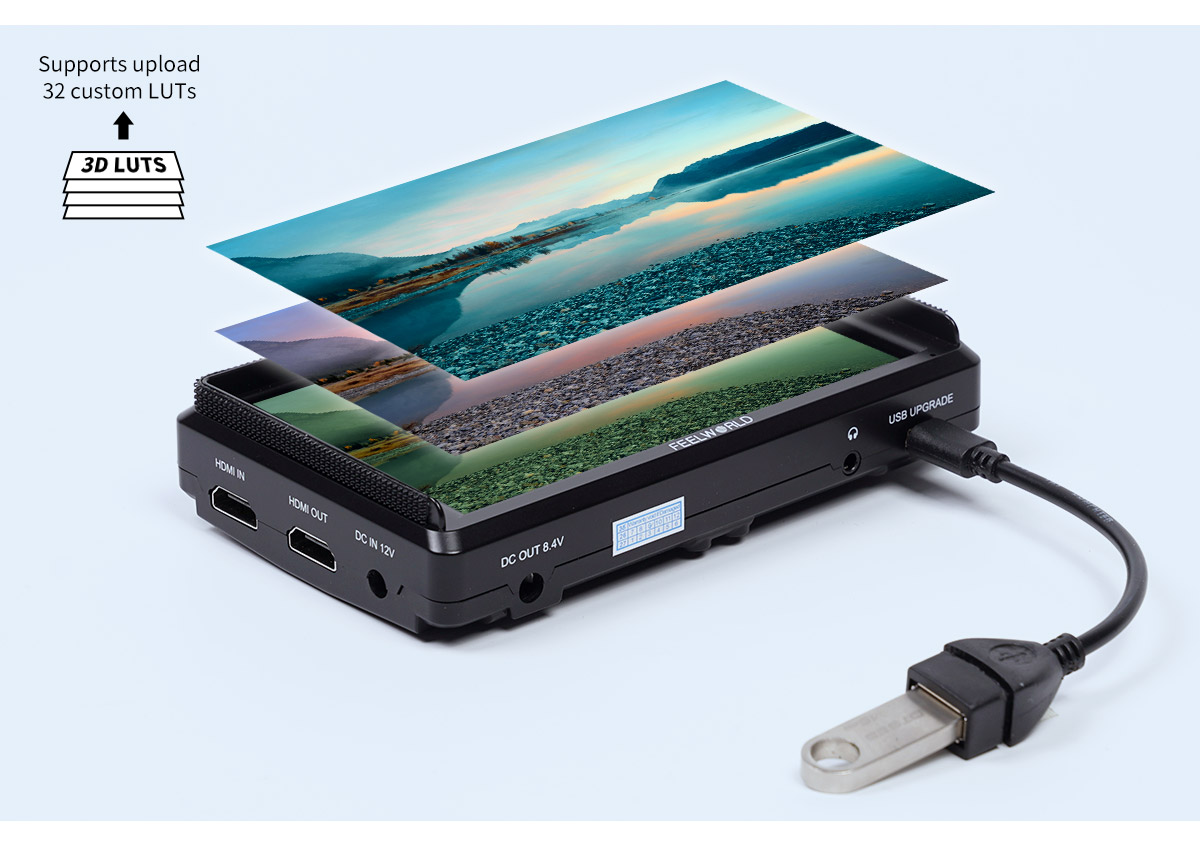
3D-LUT is a table for quickly looking up and output specific color data. By loading different 3D-LUT tables, it can quickly recombine color tone to form different color styles. Built-in 4 DE-log LUT , you also can load the custom .cube file via USB flash drive (up to load 32). Insert the USB flash drive to the standard accessory USB-A to Mini USB cable, then connect with the Mini USB interface of S55E.
What you see is what you get
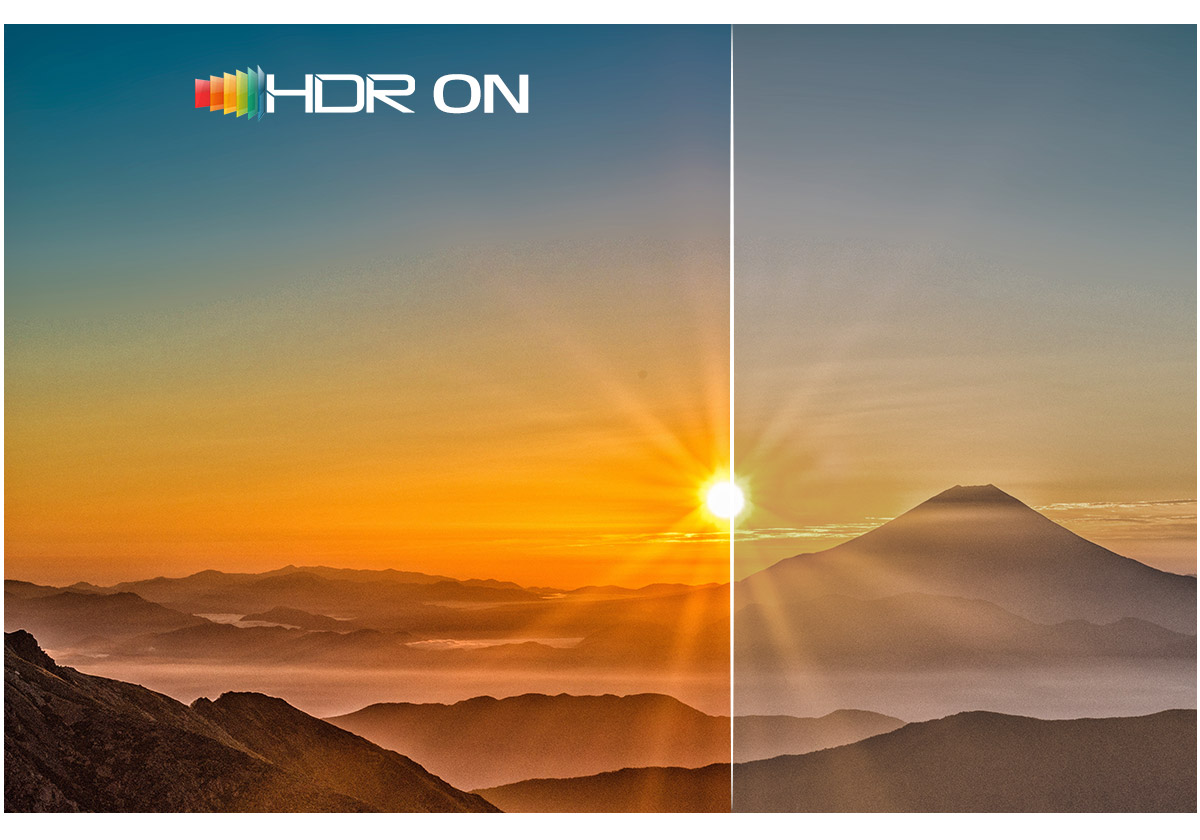
When HDR is activated, the display reproduces a greater dynamic range of luminosity, allowing lighter and darker details to be displayed more clearty,it is better to reflect the visual effects in the real environment. Built-in HLG1, HLG2, HLG3 three types.
Save your budget
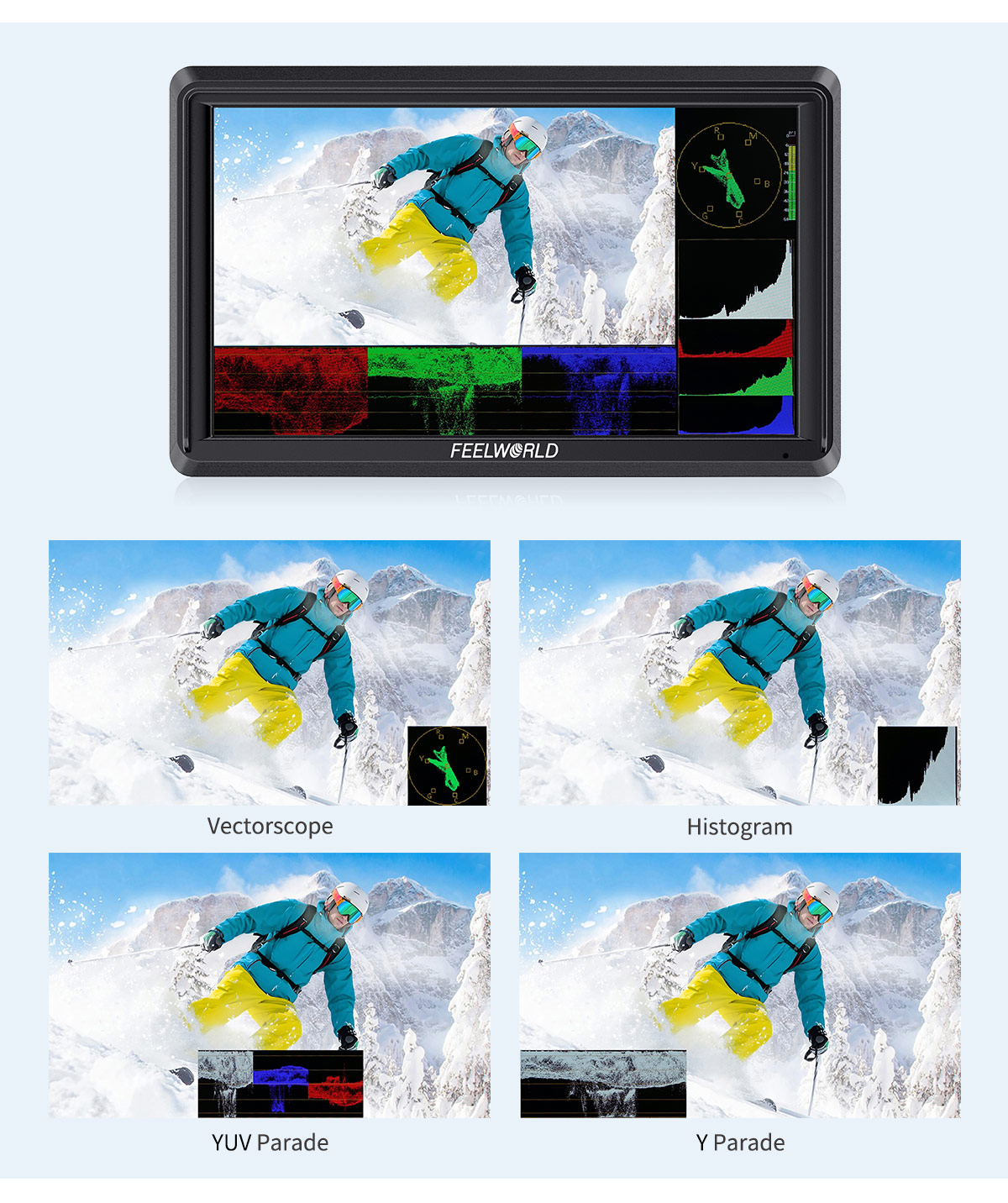
Built-in waveform monitoring, you can choose from waveform (RGB Parade, YUV Parade, Y Parade), vector scope, histogram, audio phase and level displays, and get broadcast accurate waveform monitoring that shows everything you need to know technically about your video and audio signals. The functions can be opened separately, and also support one key to open all scope mode. When the function is turned on separately, you can also move its the horizontal or vertical position in Menu. S55E becomes the ideal choice for live production monitoring, so you no longer need to use a separate expensive scopes!
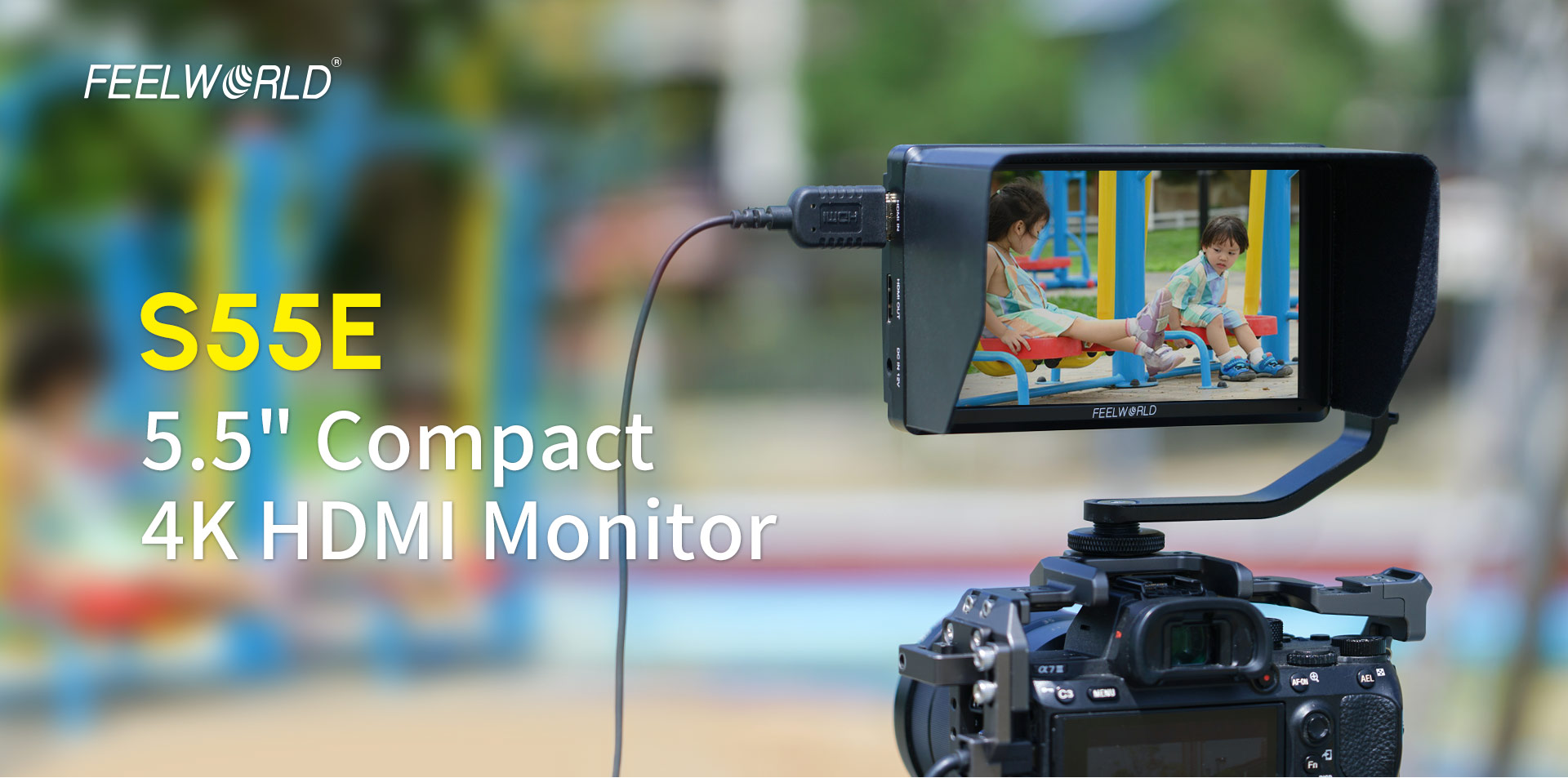
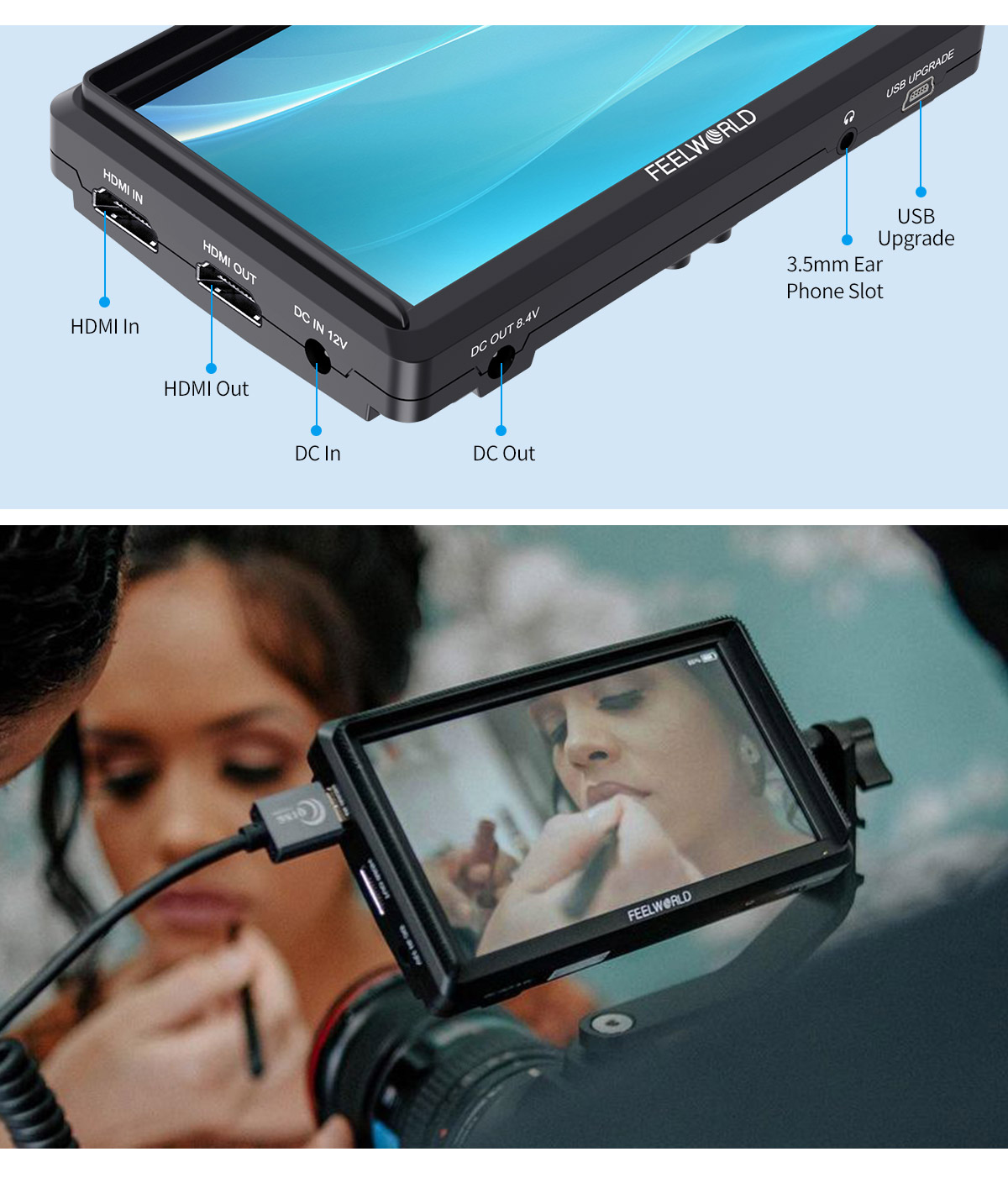
Equipped with 4K HDMI input and output,support up to 4K 60Hz signal high speed transmission.Compatible with the latest DSLR cameras on the market. And also provides a 3.5mm headphone jack to monitor audio.
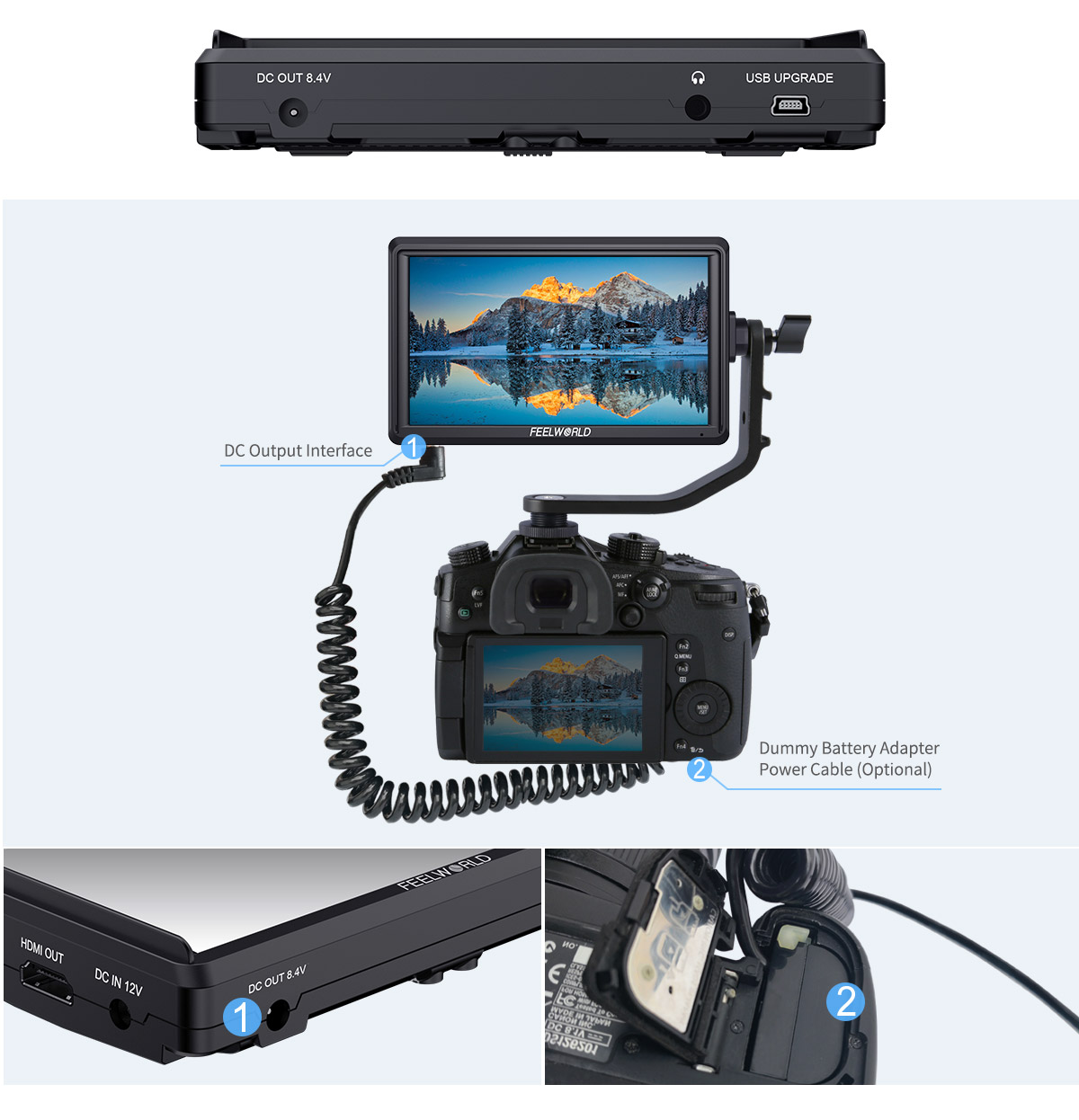
S55E provides auxiliary DC 8.4V power out (suitable DC 5.5*2.1mm power plug), allowing shooters to power their cameras. With a battery adapter cable (Optional), the S55E extends camera run-time, while providing a more usable display.
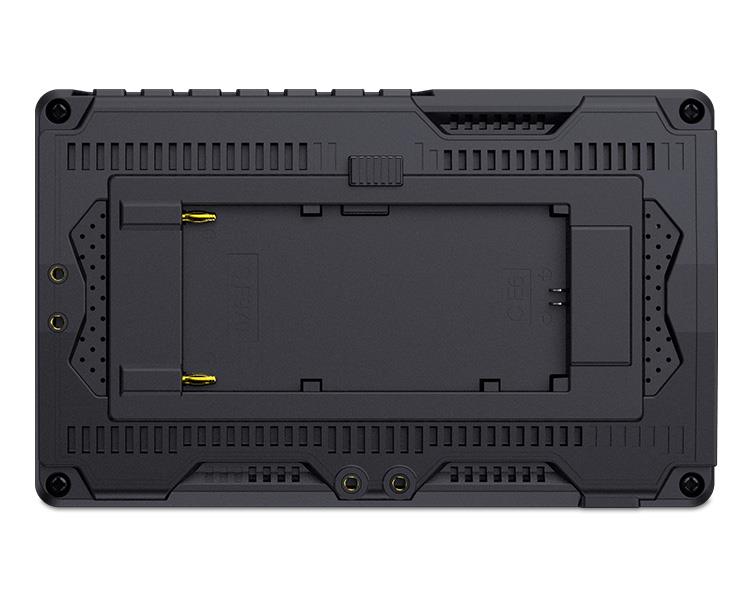
You can connect to DC power input to get continuous power (suitable for use 1A power adapter,DC 5.5*2.1mm power plug) or install NP-F series battery or Canon LP-E6 battery on the NP-F/LP-E6 dual-purpose battery slot for mobile application. Install one F750 battery (4400mah) last for about 3.5 hours.

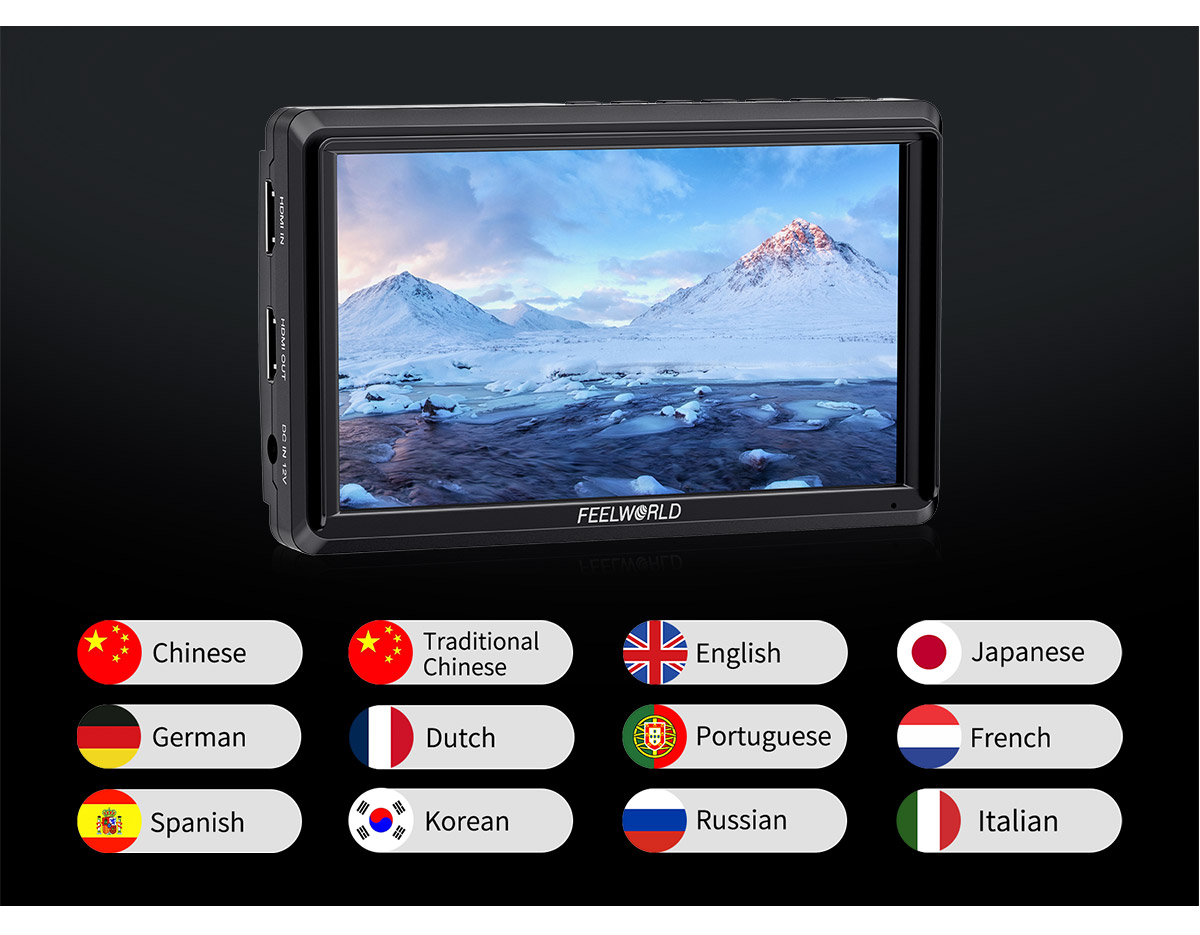
S55E built-in up to 12 languages, that means S55E is perfect for doing international location work with different crews because you can just go into the menu and change the language any time you need!
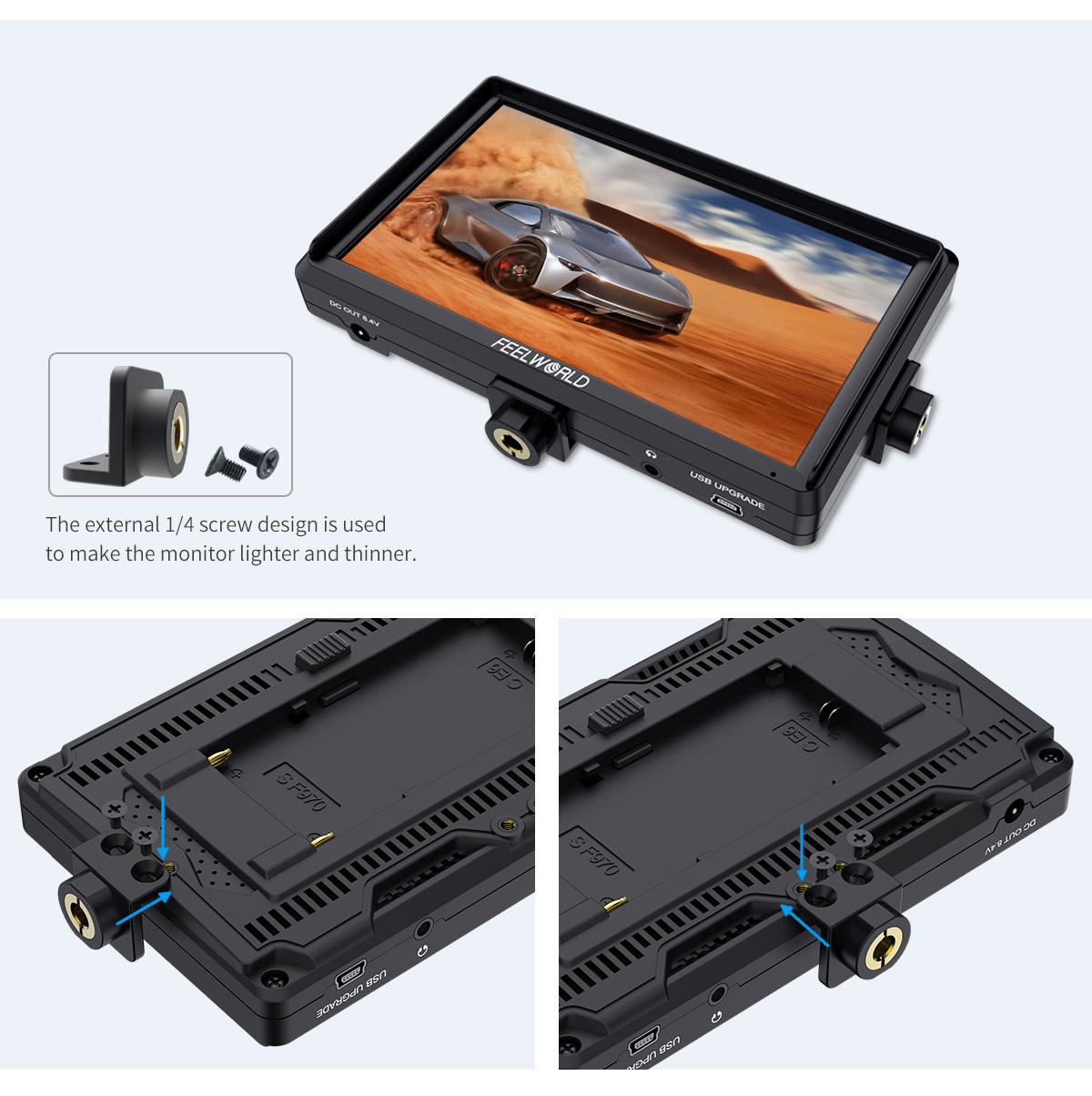
The monitor features standard 1/4" mount points (bottom, right),you can easily mount it on the camera or other types of equipment with a magic arm, bracket, etc.. Meet the different monitoring for photographer or director. S55E adopts external 1/4 screw design, you can remove mounted to the bottom or right side.
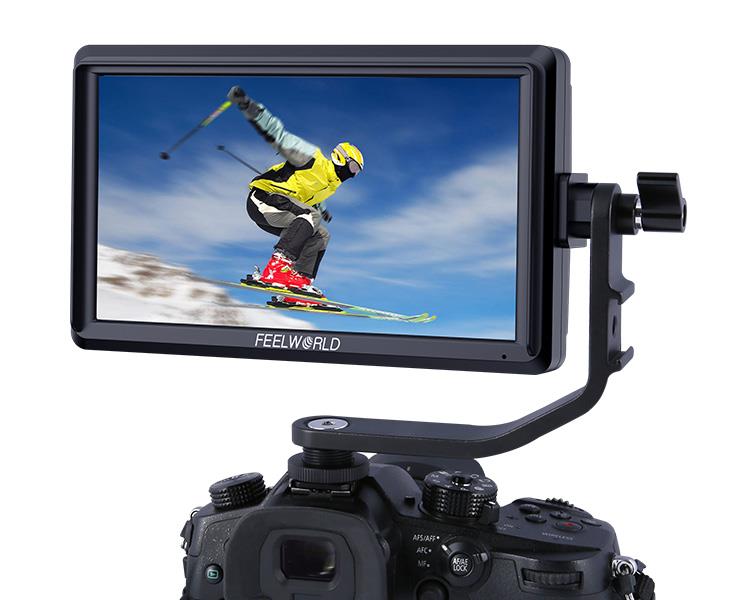
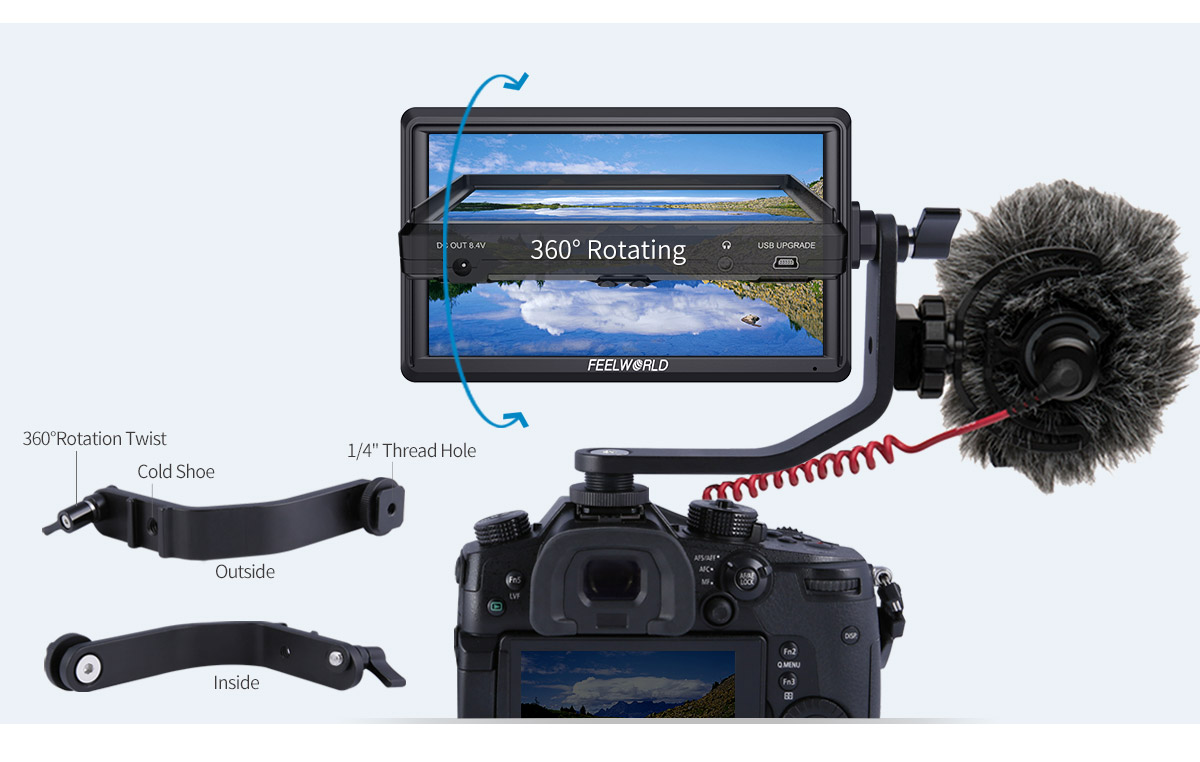
Every S55E monitor will ship with a cold shoe mounted Tilt Arm. Shooters will have a secure way to position their monitor while maintaining a low profile.
• Allows the S55 monitor to rotate 360 degrees for viewing convenience
• Secure and lightweight mounting via shoe mount or 1/4"-20 thread
• Includes a shoe mount of its own for accessories like a microphone, LED light, or wireless receiver, etc.
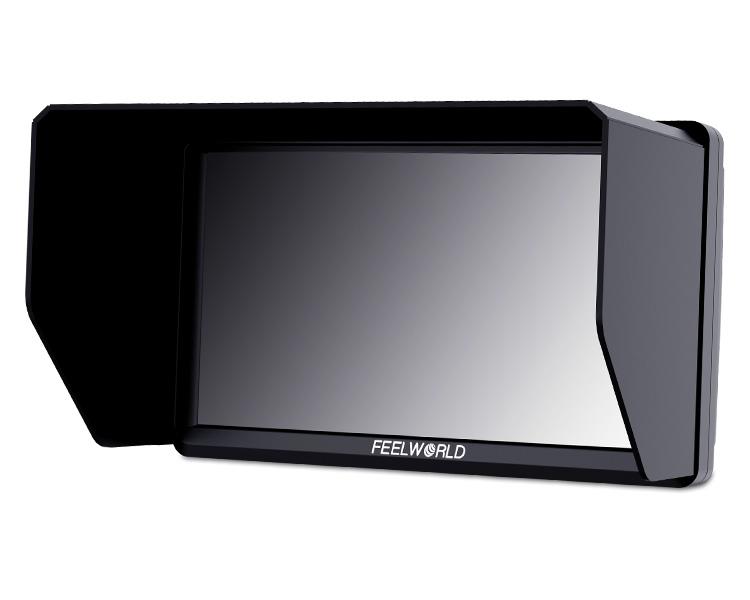
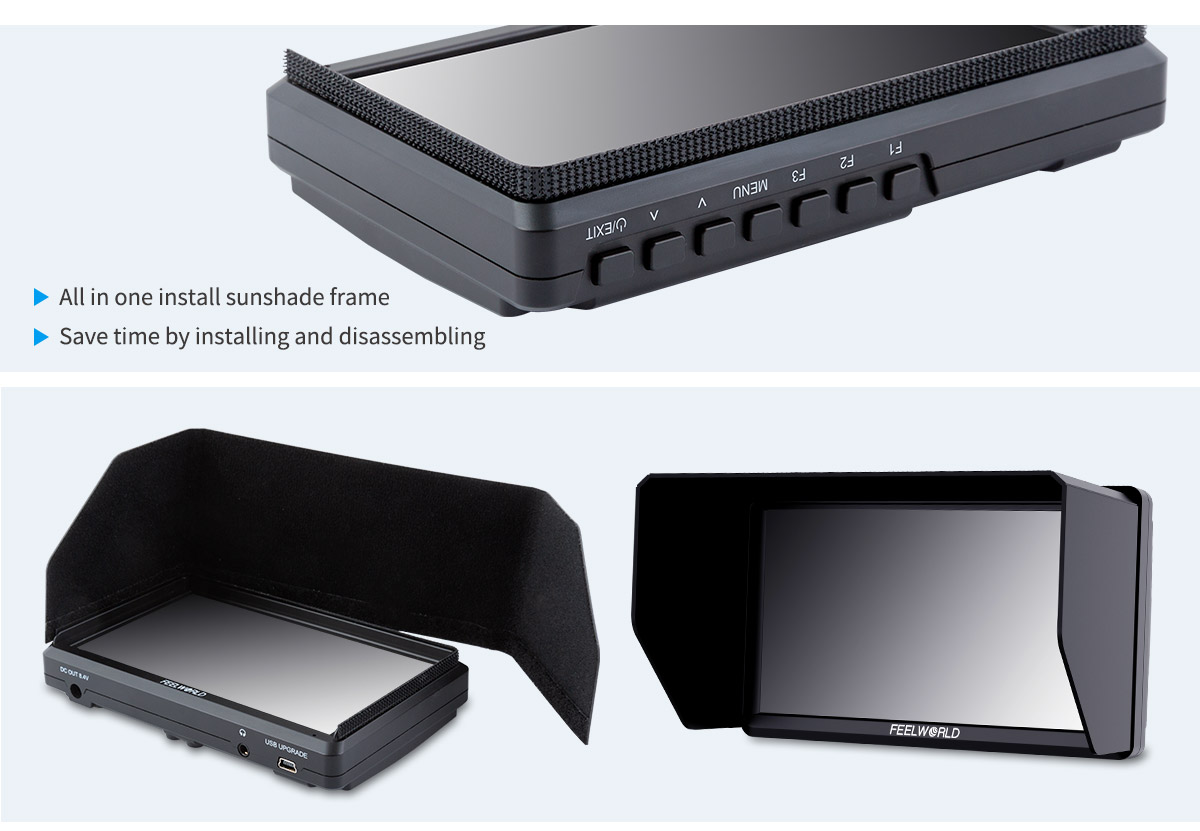
The standard portable sun-hood can easy to resist the strong light, and easy to install.
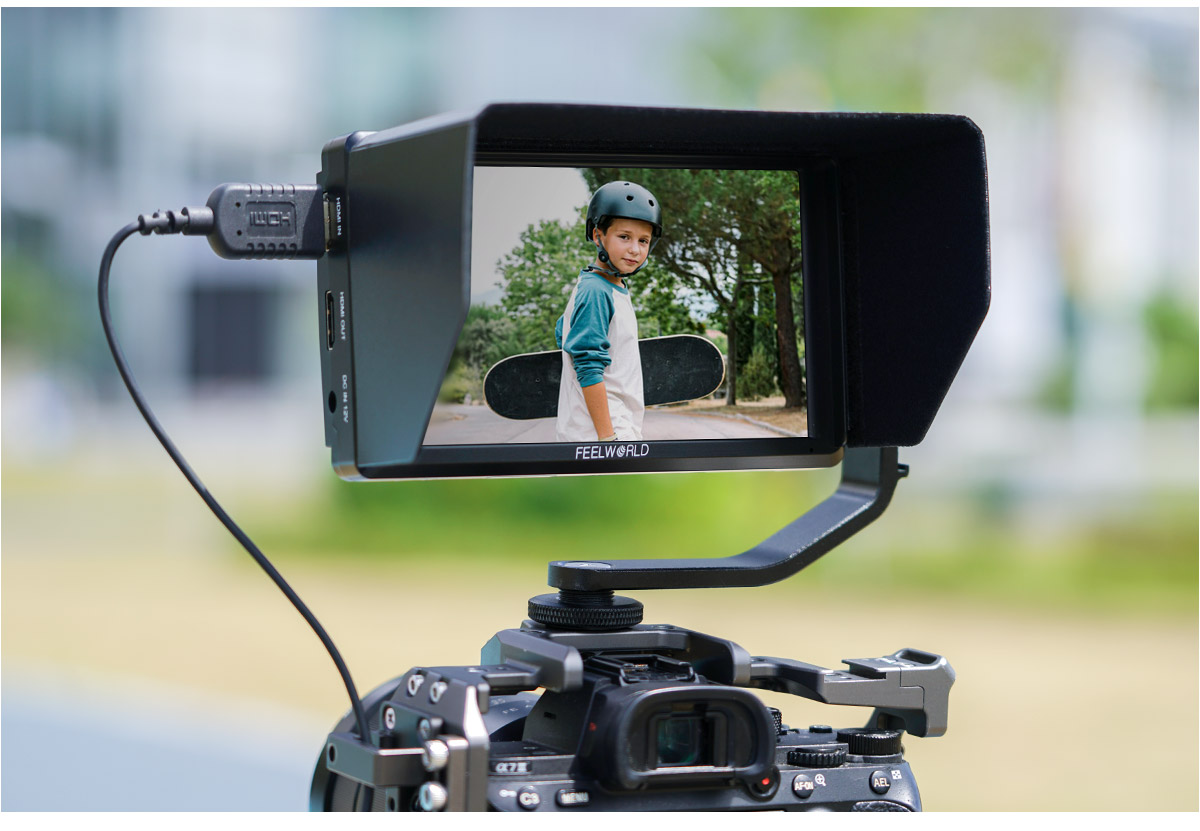
1. High Resolution: Full HD 1920x1080
2. High Contrast: 1000:1
3. High Brightness: 500cd/m²
4. 160° wide viewing angles IPS Panel
5. Provides auxiliary power out; allowing shooters to power their cameras
6. Custom 3D LUT import (up to 32)
7. All waves
8. Waveform (RGB, Y, YUV)
9. Histogram (RGB1, Y, RGB2)
10. Peaking Focus Assist (Red,Green,Blue three colors optional highlight over parts of the image in focus)
11. False Colors(Normal, ARRI)
12. Embedded Audio
13. Over Exposure
14. Grid (2x2,3x3,4x4,5x5,6x6,7x7,8x8,9x9, Custom)
15. Scan Mode (Under Scan, Over Scan)
16. Zoom Mode(2x,4x,9x,16x, User)
17. Anamorphic Mode (1.3x,1.6x, 2.0x, 2.0x mag, User-defined adjustment: 1.20X~2.00X)
18. Pixel to Pixel
19. Center Marker
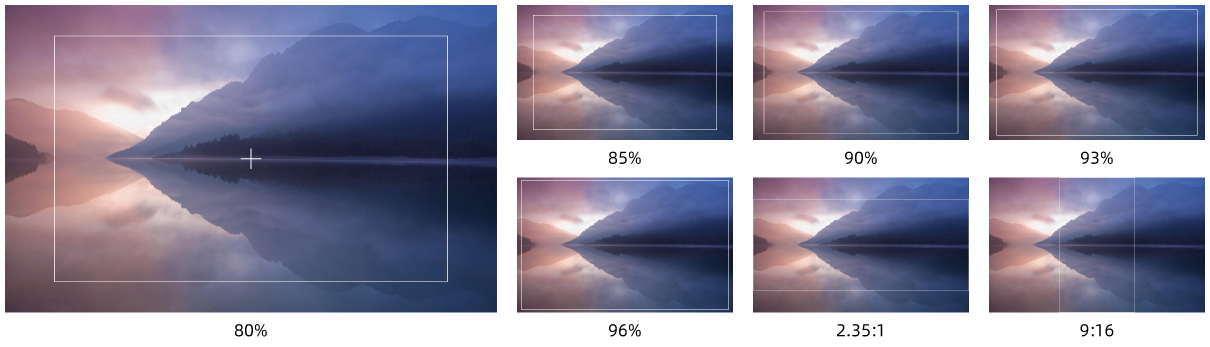
20. Safe Area (80%,85%,90%,93%,96%,2.35:1,9:16)
21. Ratio marker (4:3,13:9,14:9,15:9,16:9,1.85:1,2.35:1,9:16)
22. Marker Color (Red,Green,Blue,White,Black)
23. Check Field (Red/Green/Blue/Mono)
24. Image Flip (H, V, H/V)
25. Image Freeze
26. Pixel to Pixel
27.HDR (HLG1, HLG2, HLG3)
28. Display Adjustment (Backlight, Brightness, Contrast,Saturation ,Tin 0~100)
29. Display Range (Auto, Limit, Full)
30. Color Temperature Adjustment (5600K, 6500K, 9300K, User)
31. Left Right Key Set (Volume, Backlight)
32. User Switch (1~4)
33. EDID Settings (2.0, 1.4)
34. Power Settings (Auto, Manual)
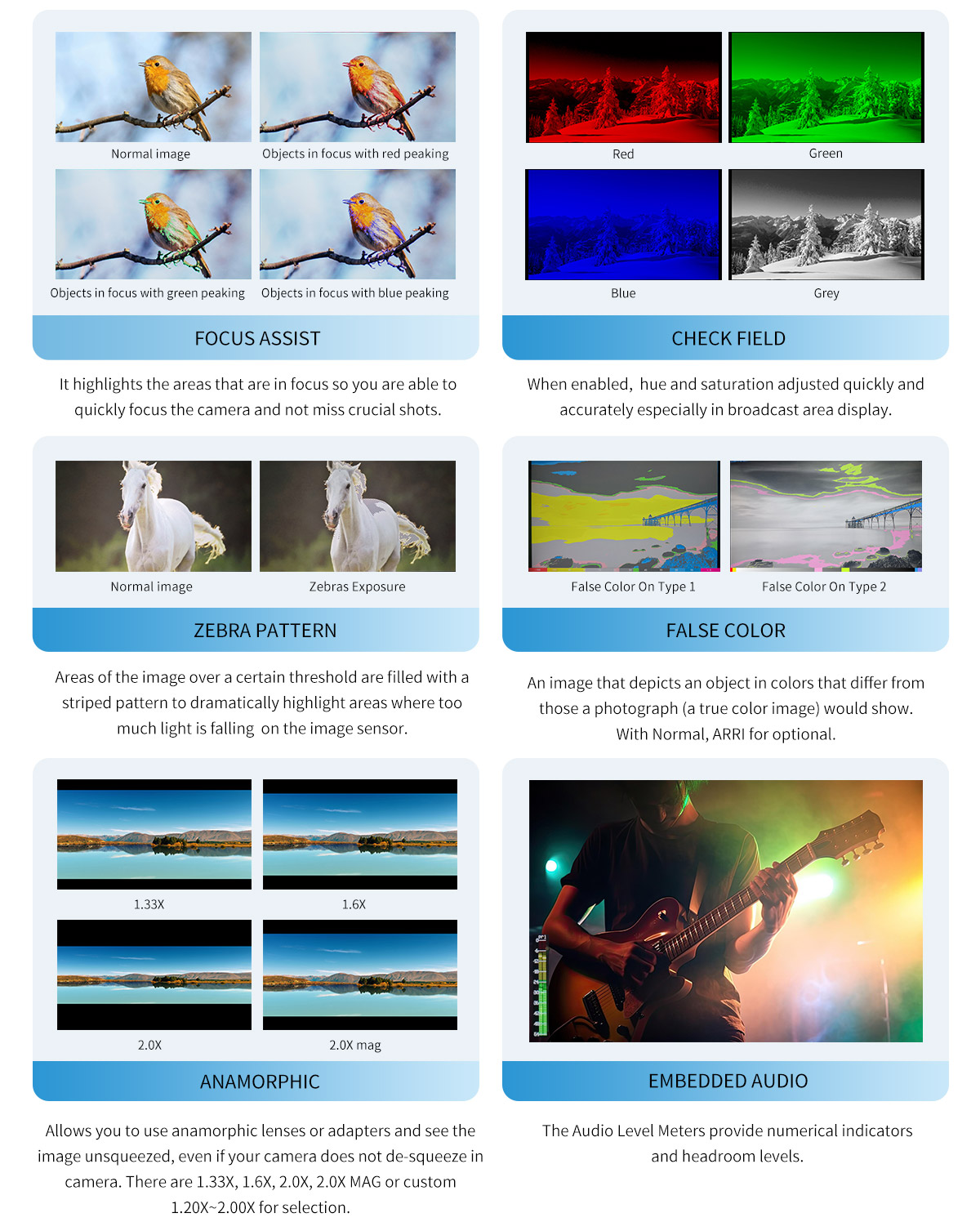
This essential feature assists with the calibration of professional video cameras. It shows the overall brightness of the image assisting the video professional in correcting exposure. The waveform feature also checks the evenness of the lighting when lighting a chromakey or background.

Vector scope shows how saturated the image is and where the pixels in the image land on the color spectrum. It can also be displayed in various sizes & positions, that allows users to monitor color gamut range in real time.

The Brightness Histogram is a quantitative tool to check the picture brightness.The feature shows the distribution of brightness in an image as graph of brightness along the horizontal axis and a stack of the number of pixels at each level of brightness along the vertical axis.

RGB histogram is a graphical display of the distribution of tones, shows the Red, Green and Blue channels histograms. Suitable for HD-SDI and HDMI signal monitoring.

Embedded Audio Monitoring
The Audio Level Meters provide numerical indicators and headroom levels. It can generate accurate audio level displays to prevent errors during monitoring. The audio meter is green, and will turn yellow when exceeds -20dB, and turn red when exceeds -9dB.

Peaking Focus Assist
The Peaking Filter is used to aid the camera operator in obtaining the sharpest possible picture. When activated, the internal processor will display a colored highlight on the screen where sharp edges appear. You can switch the putline color between red, green, blue according to different tone of the subject.

False Color
The False Color filter is used to aid in the setting of camera exposure. As the camera Iris is adjusted, elements of the image will change color based on the luminance or brightness values. This enables proper exposure to be achieved without the use of costly, complicated external test equipment.

Exposure (zebras)
The Exposure is used to assist in exposure adjustment in the mode of Zebra Pattern. It is considered overexposed and displays the moving warning lines onto the over exposed areas. 10-100IRE adjustable.

Check Field
Check Field is an assistant function to adjust camera color settings. Under the check field mode, you can use red, green, blue or mono pixels to generate the image, because hue and saturation can be adjusted more quickly and accurately in this environment.

Zoom In (2X, 4X, 9X, 16X,User)
Image magnification is HD signal in any part, an amplification for high quality close-up.

Anamorphic Mode (1.33x,1.6x 2.0x, 2.0x mag, User)
You can choose 1.3x, 2.0x, 2.0x mag, User-defined adjustment: 1.20x~2.00x. Built-in selection of no squeeze, 1.3×,1.6x or 2.0× allows you to use anamorphic lenses or adapters and see the image unsqueezed, even if your camera does not de-squeeze in camera. A 2.0× mag mode, magnifies the center of your image so you can check the focus of your scaled image.

Image Flip
The Horizontal,Vertical and Hor&Ver of the image around flip.

Grid
Grid is the most common and basic composition method. The area of the picture can be choose divided into 4 ,9, 16, 25, 36, 49,64,81equal grids. You can switch the Mark color between Red, Green, Blue, White, Black,Gray according to different tone of the subject.

Pixel to Pixel
Enable the filmmaker to check the image from the 1:1 signal source without scaling.This feature is essential for capturing optimum detail.

Center Marker & Safety Marker
Safety Marker for View Finding and Composition (80%, 85%, 90%, 93%, 96%, 2.35:1,9:16). You can switch the Mark color between Red, Green, Blue, Black, White, Gray according to different tone of the subject.
Ratio Marker
There are a variety of ratio marker (4:3, 13:9, 14:9, 15:9, 16:9, 1.85:1, 2.35:1,9:16). You can switch the marker colors between Red, Green, Blue, Black, White, Gray according to different tone of the subject.
| Model | S55E |
| Screen Size | 5.5" IPS |
| Resolution | 1920x1152 pixels |
| Pixel Pitch | 0.0639 x 0.0213 mm |
| Aspect Ratio | 16:9 |
| Brightness | 500cd/m² |
| Contrast Ratio | 1000:1 |
| Backlight | LED |
| Viewing Angle | 80°/80°(L/R) 80°/80°(U/D) |
| 1 X HDMI | HDMI |
| 1 X USB | Mini USB(Import LUT/Firmware Update) |
| 1 X HDMI | HDMI |
| 1 X DC Output | DC Output |
| Audio | Stereo Headphone |
| 480i/576i/480p/576p |
| 1080i (60/59.94/50) |
| 720p (60/59.94/50/30/29/25/24/23.98) |
| 1080p (60/59.94/50/30/29.97/25/24/24sF/23.98/ 23.98sF) |
| 3840×2160p (60/50/30/29.97/25/24/23.98) |
|
4096×2160p (60/50/30/29.97/25/24/23.98)
|
| Input Voltage | DC7~24V |
| Power Consumption | ≤9W |
| Power Connector | DC |
| Working Temperature | -20°C~55°C |
| Storage Temperature | -30°C~65°C |
| Install Way | ¼-20 thread points |
| Unit Size | 142Lx87.2Hx27.5D (mm) |
| Unit Weight | 175g |
| Color Box Size | 186L*124W*80H(mm) |
| Outer Carton Qty | 10 |
| Outer Carton Size | 465*200*326 (mm) |
| Gross Weight | 6.75kgs |
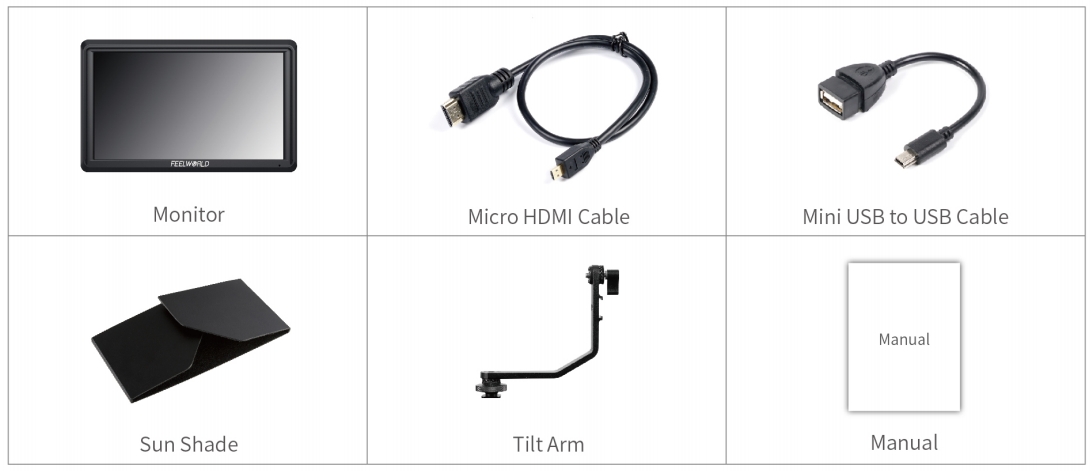
1× Micro HDMI Cable
1× Sunshade
1× Tilt Arm
1× Mini USB to USB Cable
1× Manual