| Number: | 202605141654053906 |
|---|---|
| Model: | KBC20 |
| Size: | |
| Introduction: |
Multiple Control Protocols LCD Real-time Display Up to Connect 255 Cameras Joystick Precise Control PoE(Power over Ethernet)Supported |
| Input: | |
| Output: | |
| DM: | |
| Download: | |
Precise Multiple PTZ Camera Controller
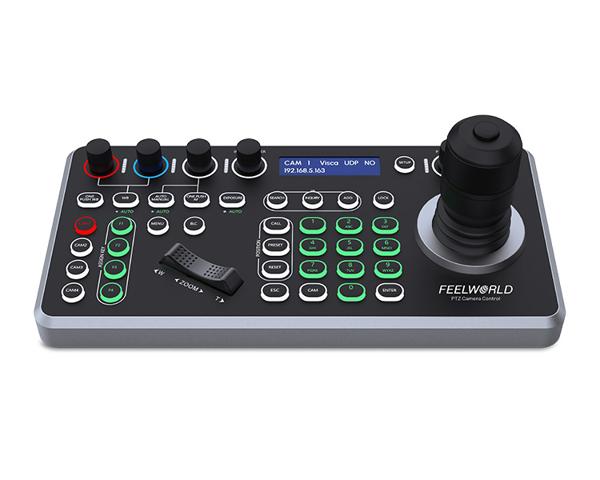
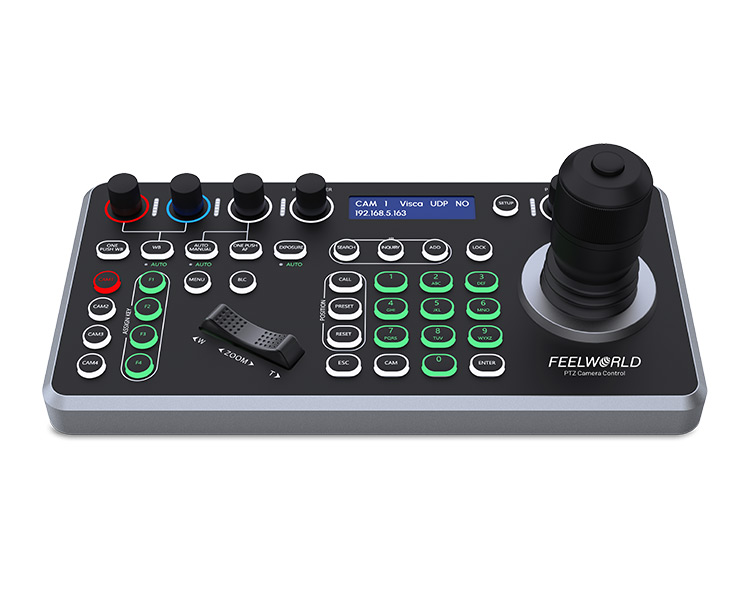
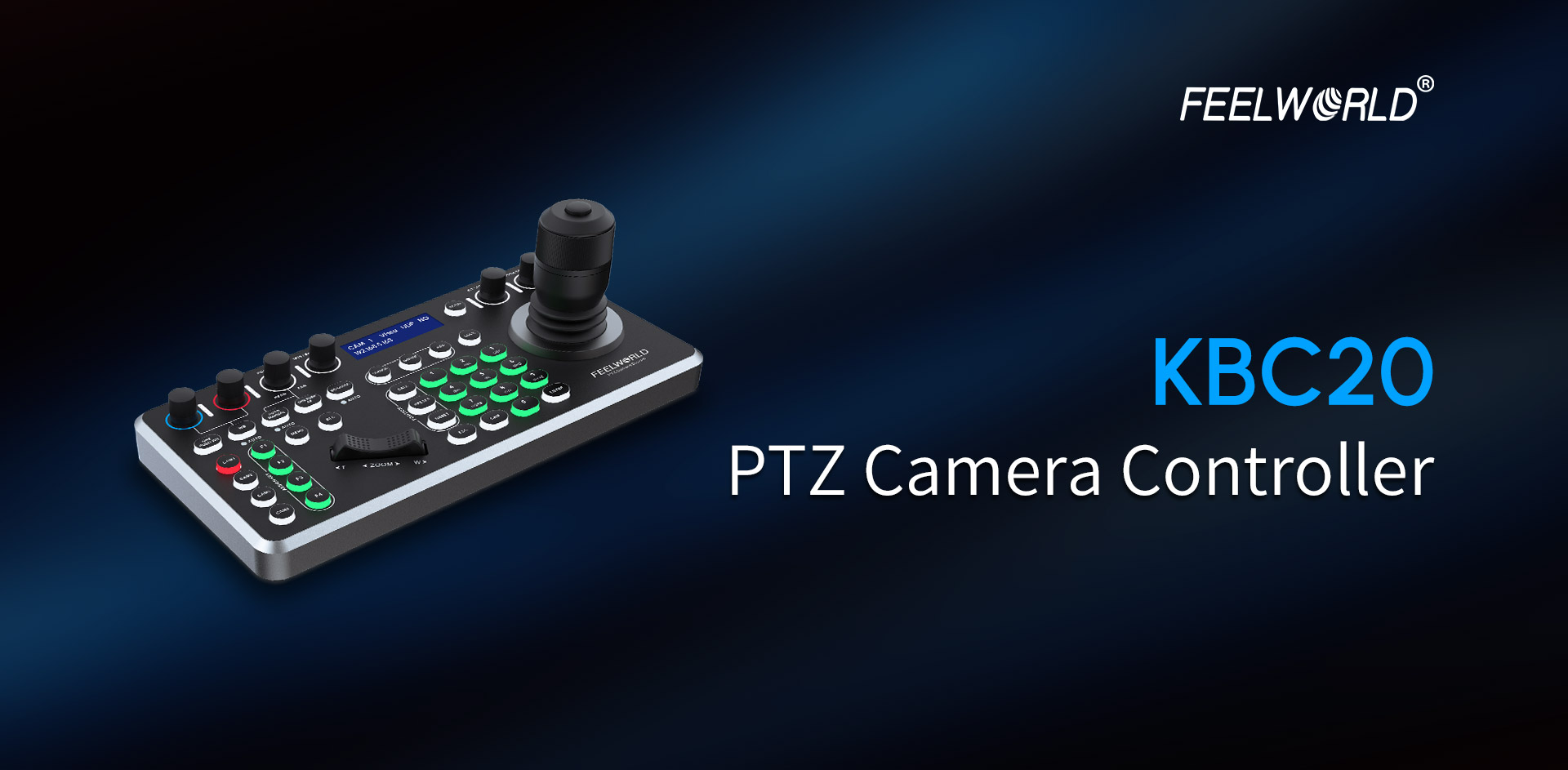
FEELWORLD KBC20 PTZ camera controller designed for large scenarios such as large video conferencing, church worship events, live streaming, live broadcast shows, online learning, group training, college lecture, etc.It features an intuitive and flexible operation panel, you can easily pan, tilt, zoom, focus, Iris, backlight, presets, PTZ speed, and quick PTZ camera select according to your needs.Support for a wide array of protocols and support PoE power supply, this PTZ controller seamlessly integrates with a variety of cameras.
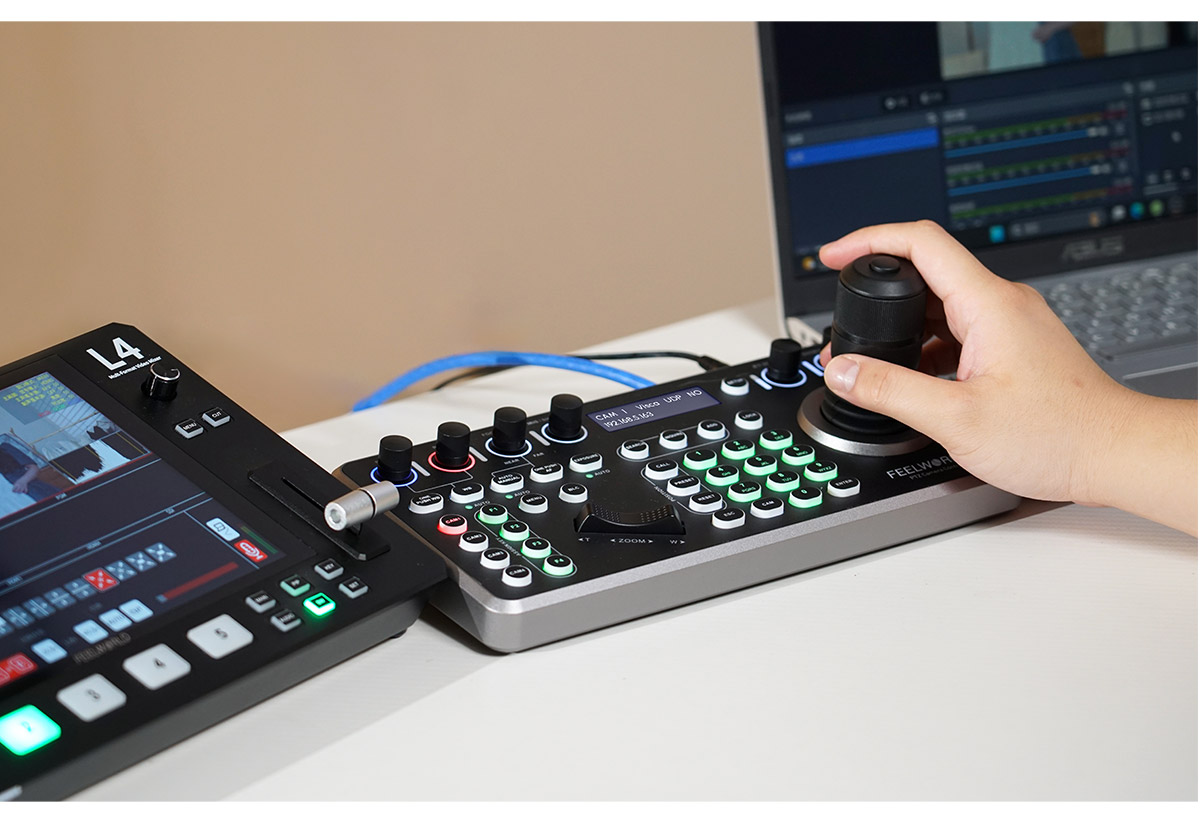

Multi-Camera Control Solution
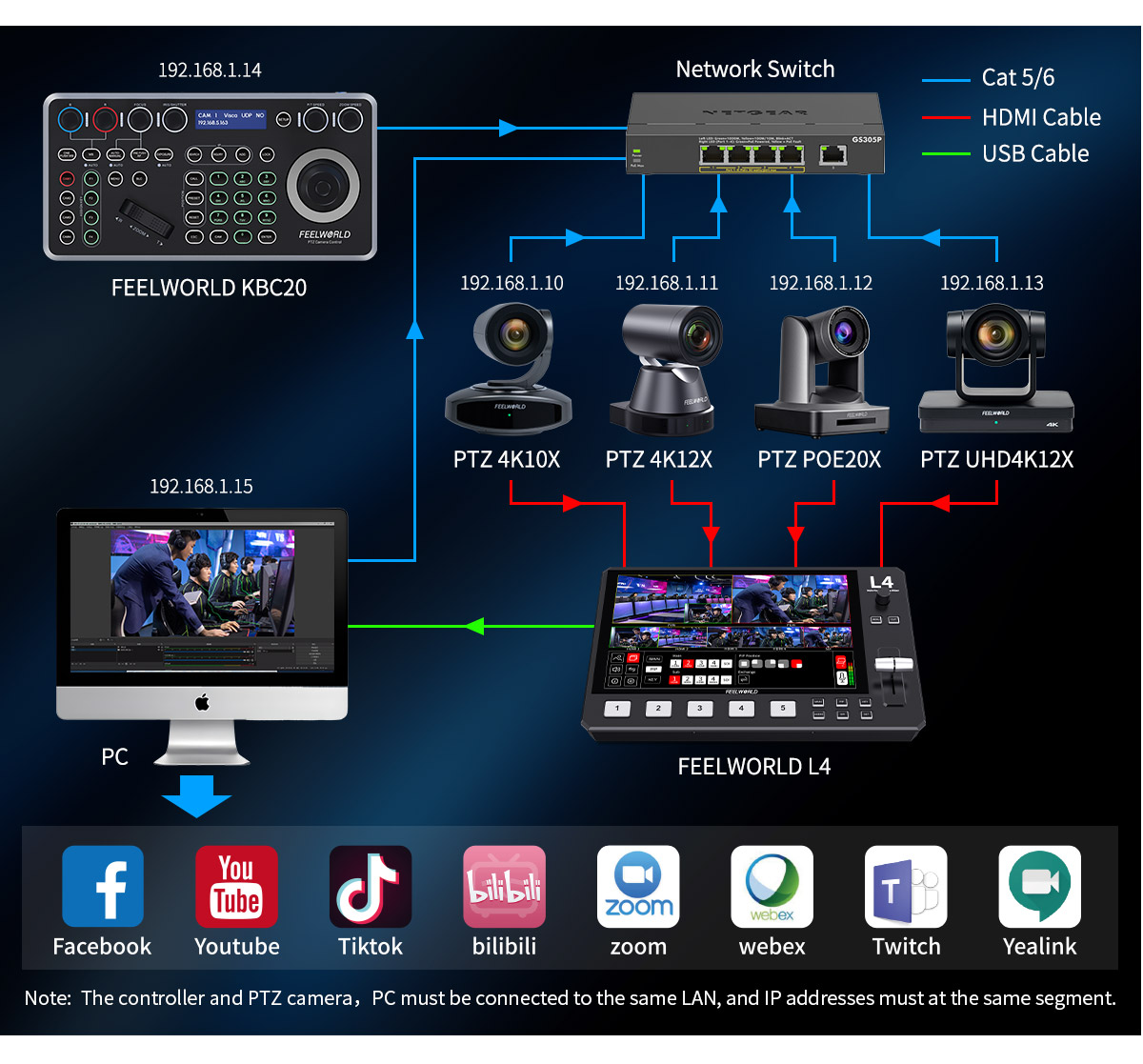
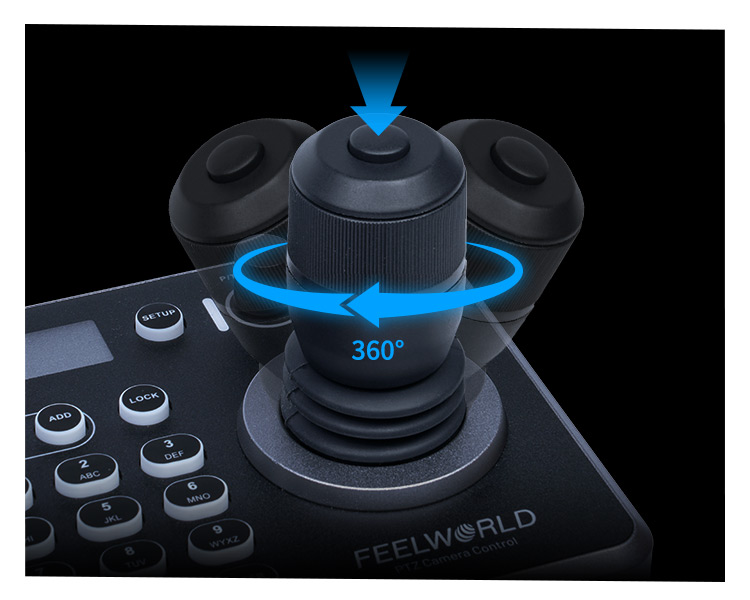
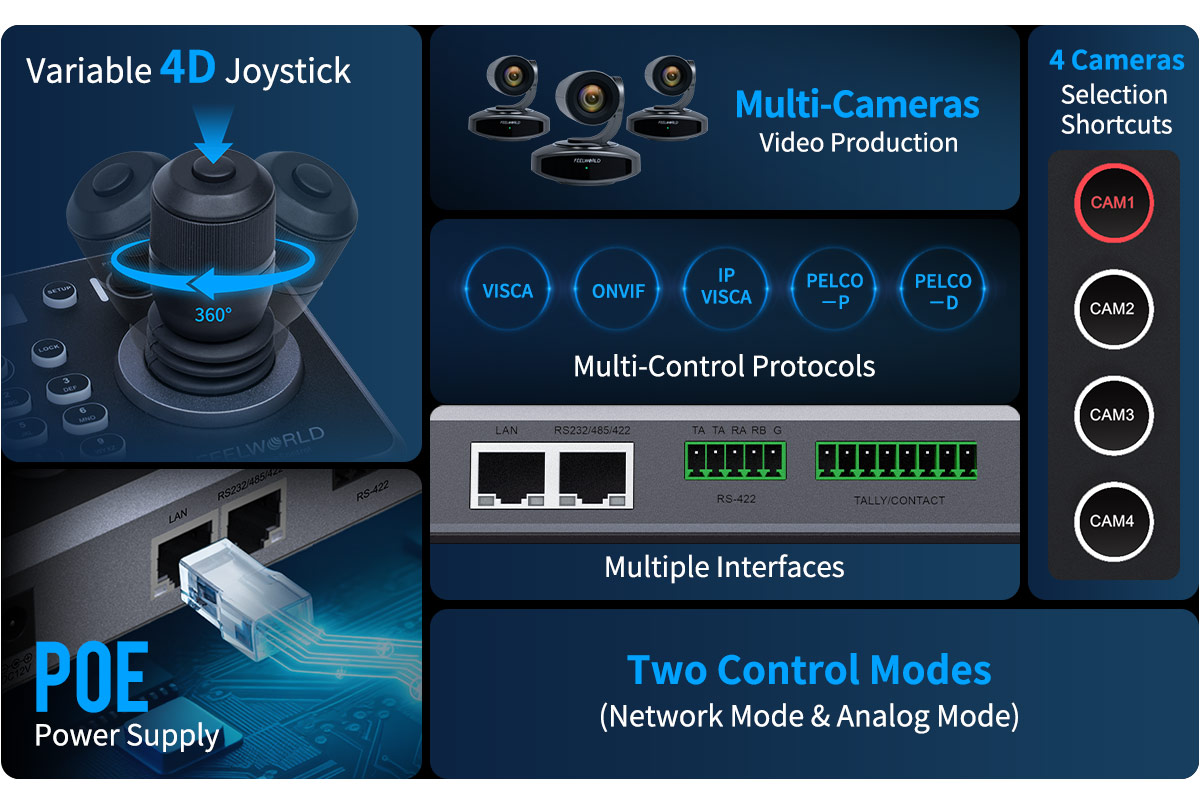
Variable 4D Joystick for Precise Control
The 4D Joystick provides superior command over pan, tilt, zoom, and focus with exceptional smoothness and precision, essential for dynamic live productions.
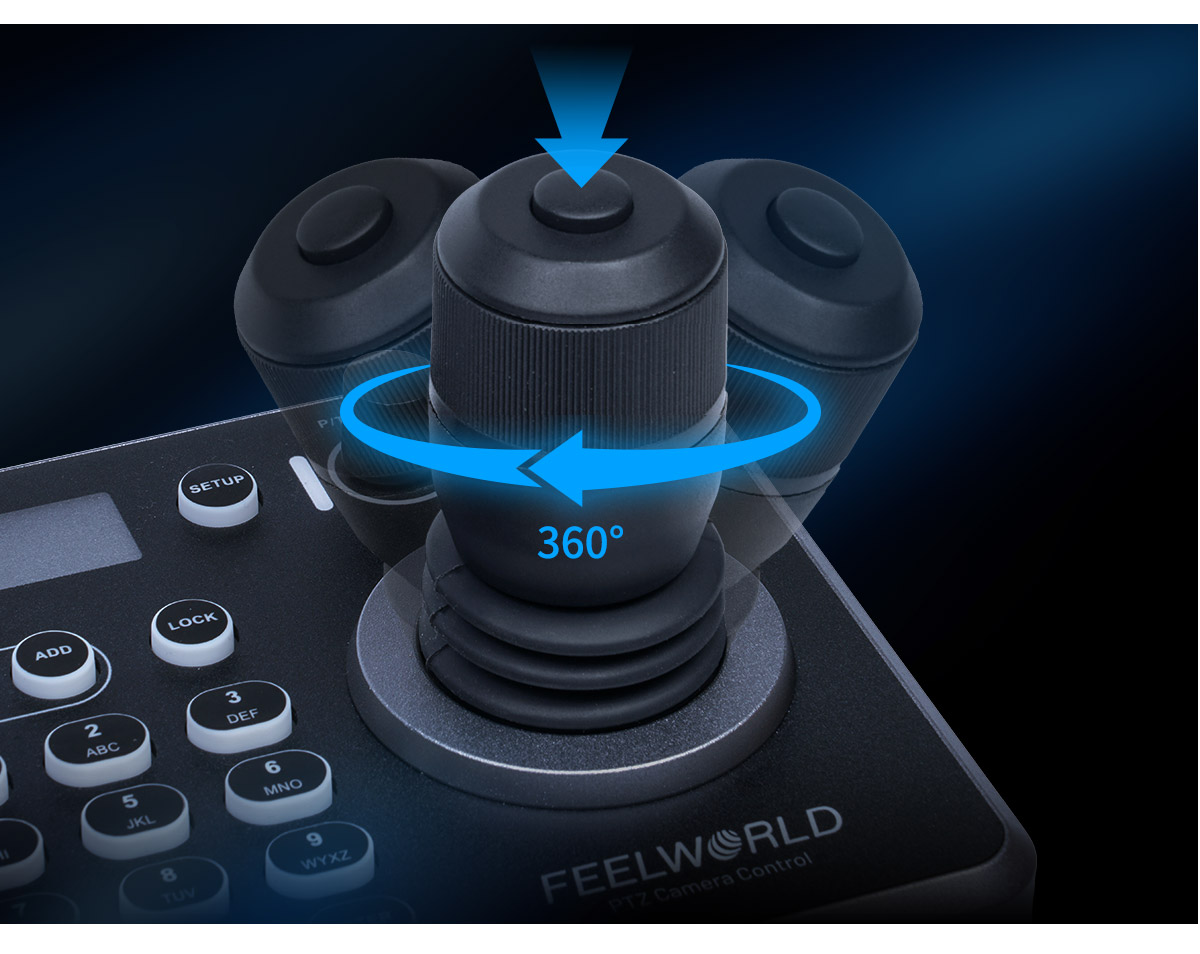
Multiple Control Protocols
Supports Pelco-D/P,Visca protocols over RS485/RS422/RS232;IP Visca,Sony Visca, Onvif Protocols over IP/Network.
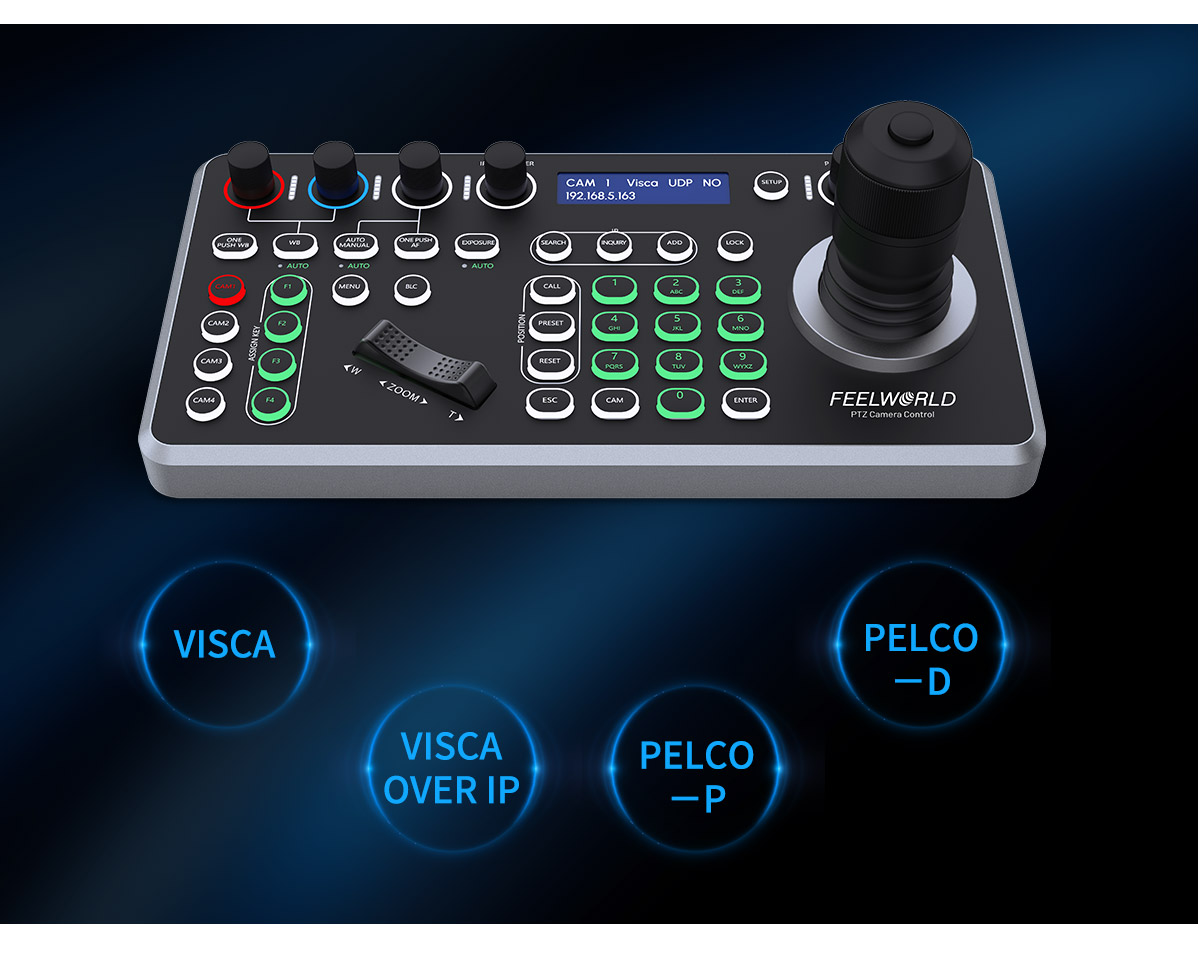
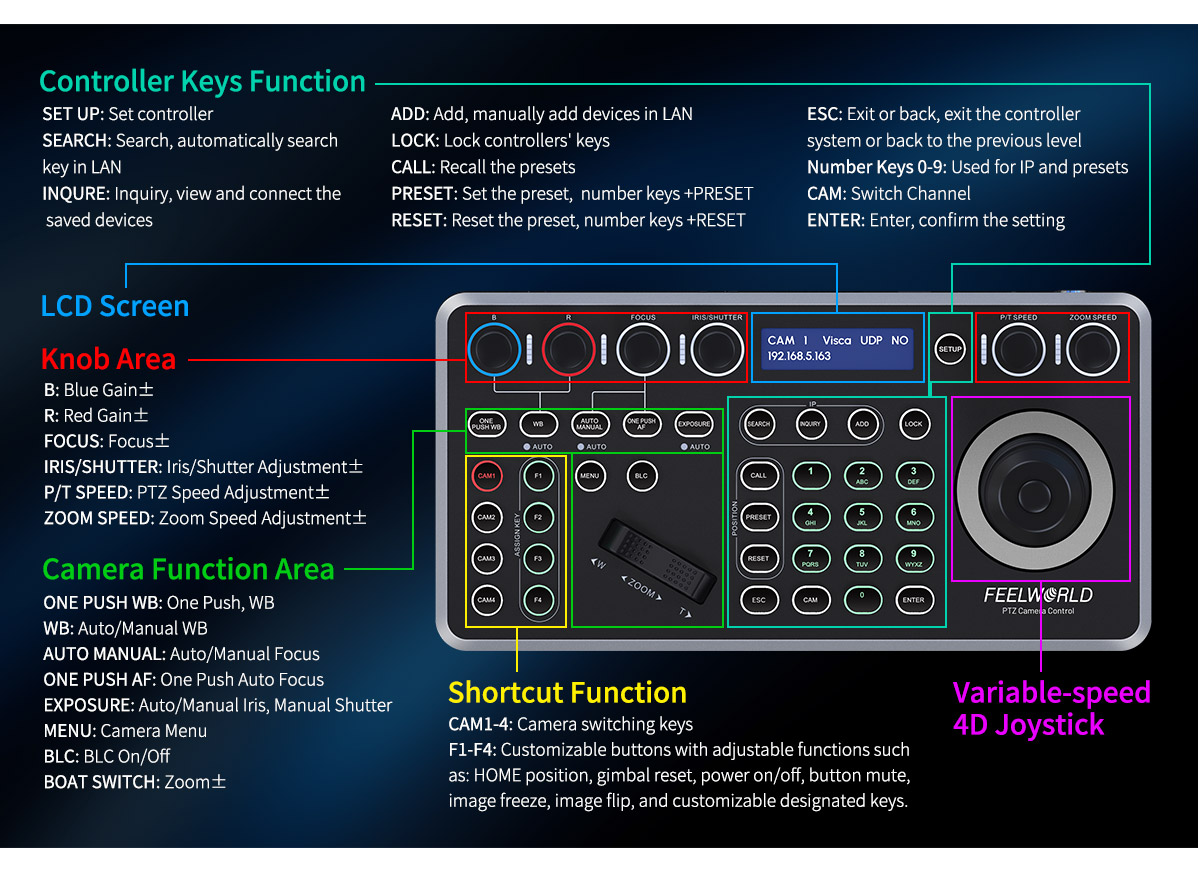
Flexible Control Panel
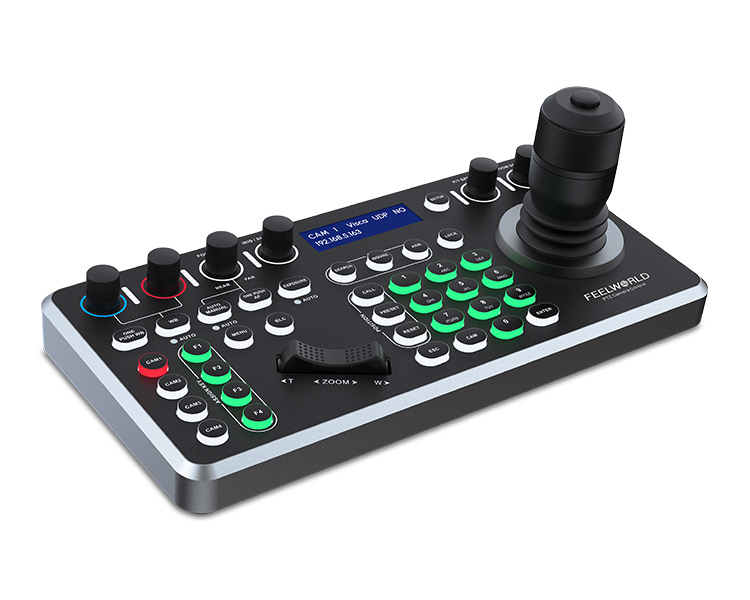
On the panel of KBC20 layout various intuitive operation buttons and knobs reasonably, you can quickly various operations and settings. Precise control over variable PTZ speed, red & blue gain, focus, iris, on-screen display, white balance, fast camera switching, quick‐set camera parameters & presets, and many other features. Four custom function buttons (F1 ~ F4) are customizable functions and quickly call up the corresponding function . Optimize settings for different shooting scenes. Using combine with joystick, the KBC20 makes it easy to set up and control up to 255 PTZ camera, easily handle any live video production.
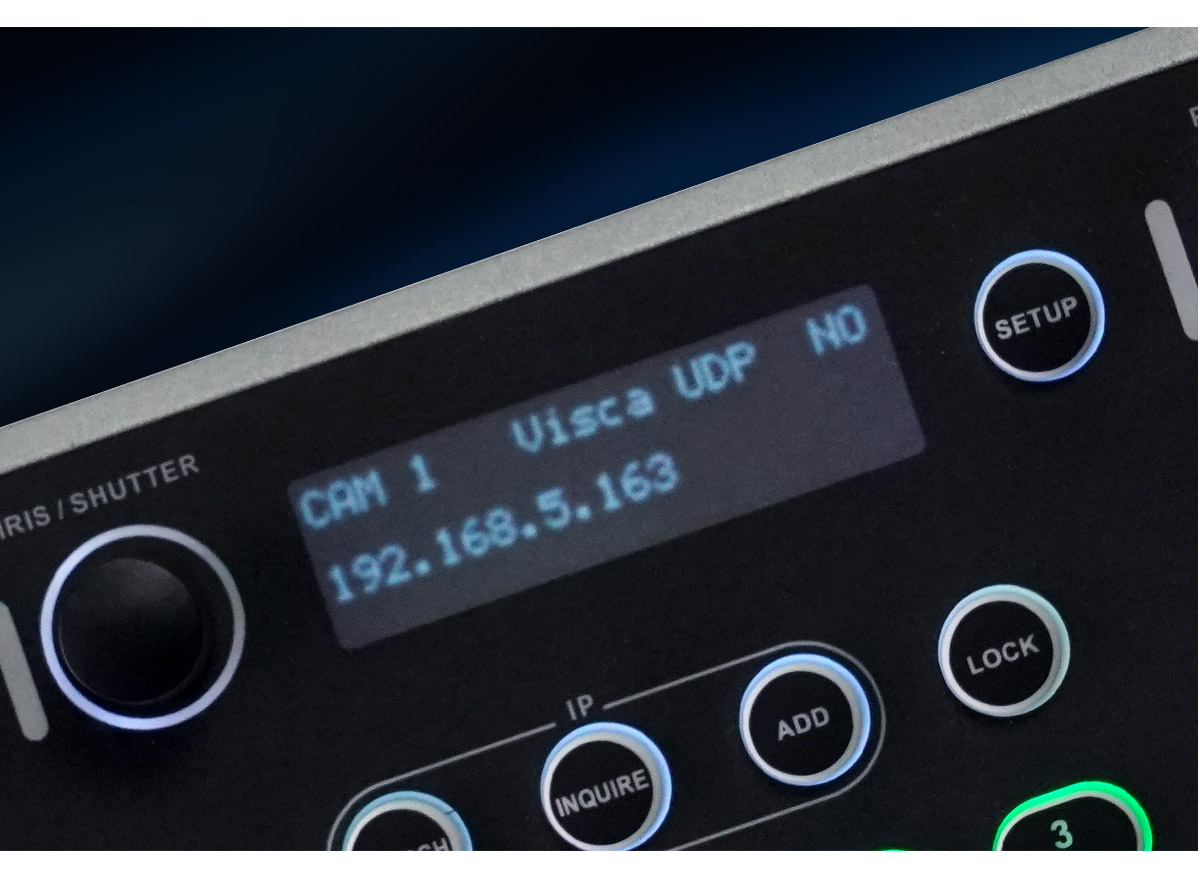
LCD Screen,Real-time Display Working Status
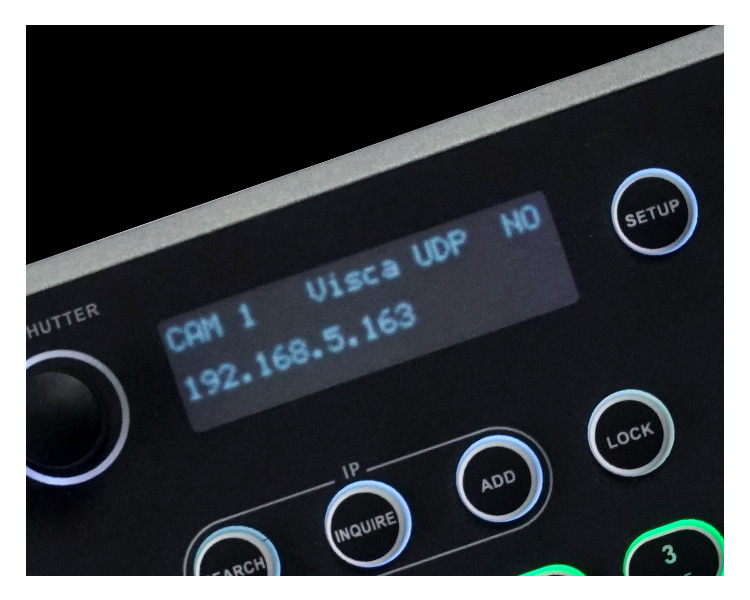
The controller also comes with a LCD screen display with real-time status, make you know all cameras controlling better, and more convenient video production experience.
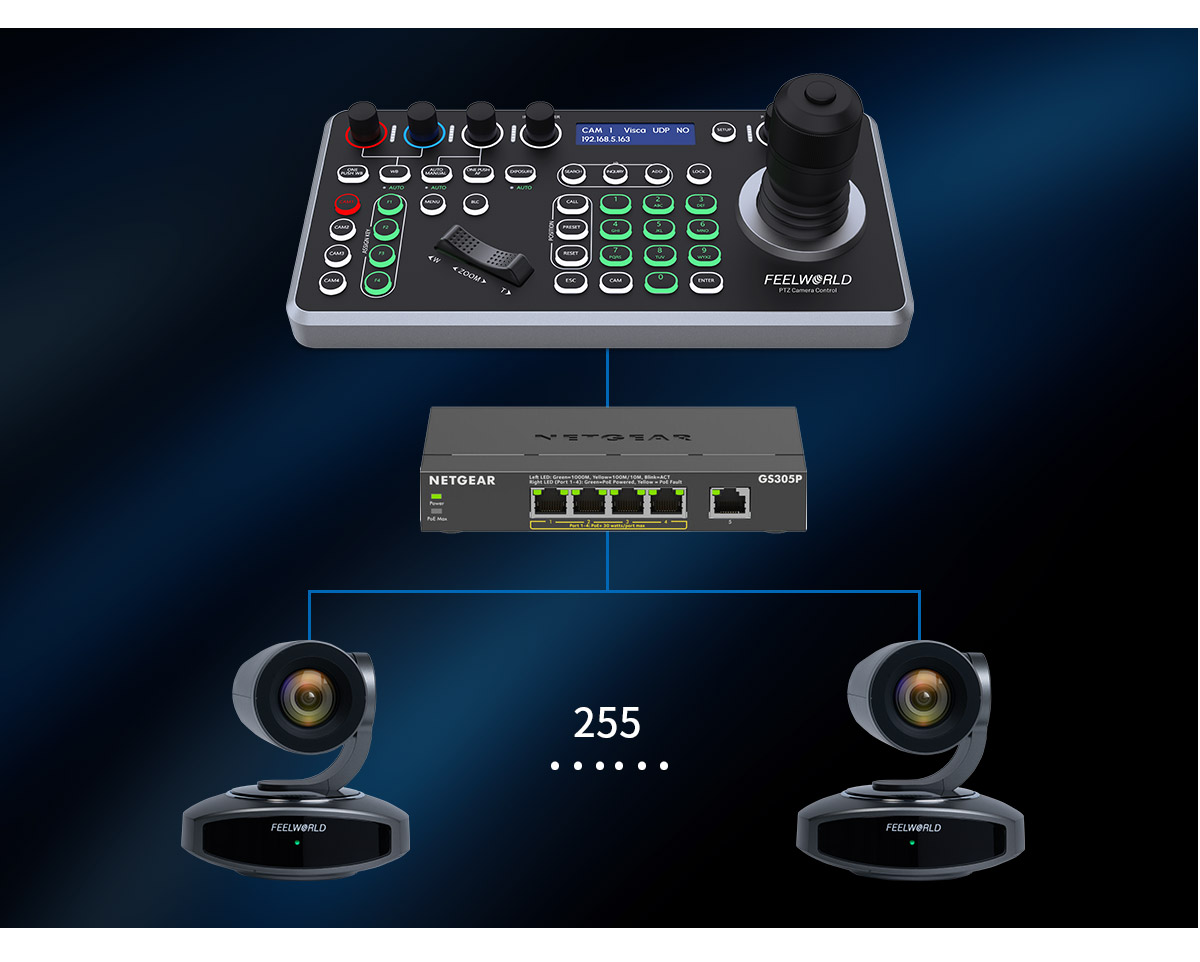
Control Up to 255 PTZ Cameras
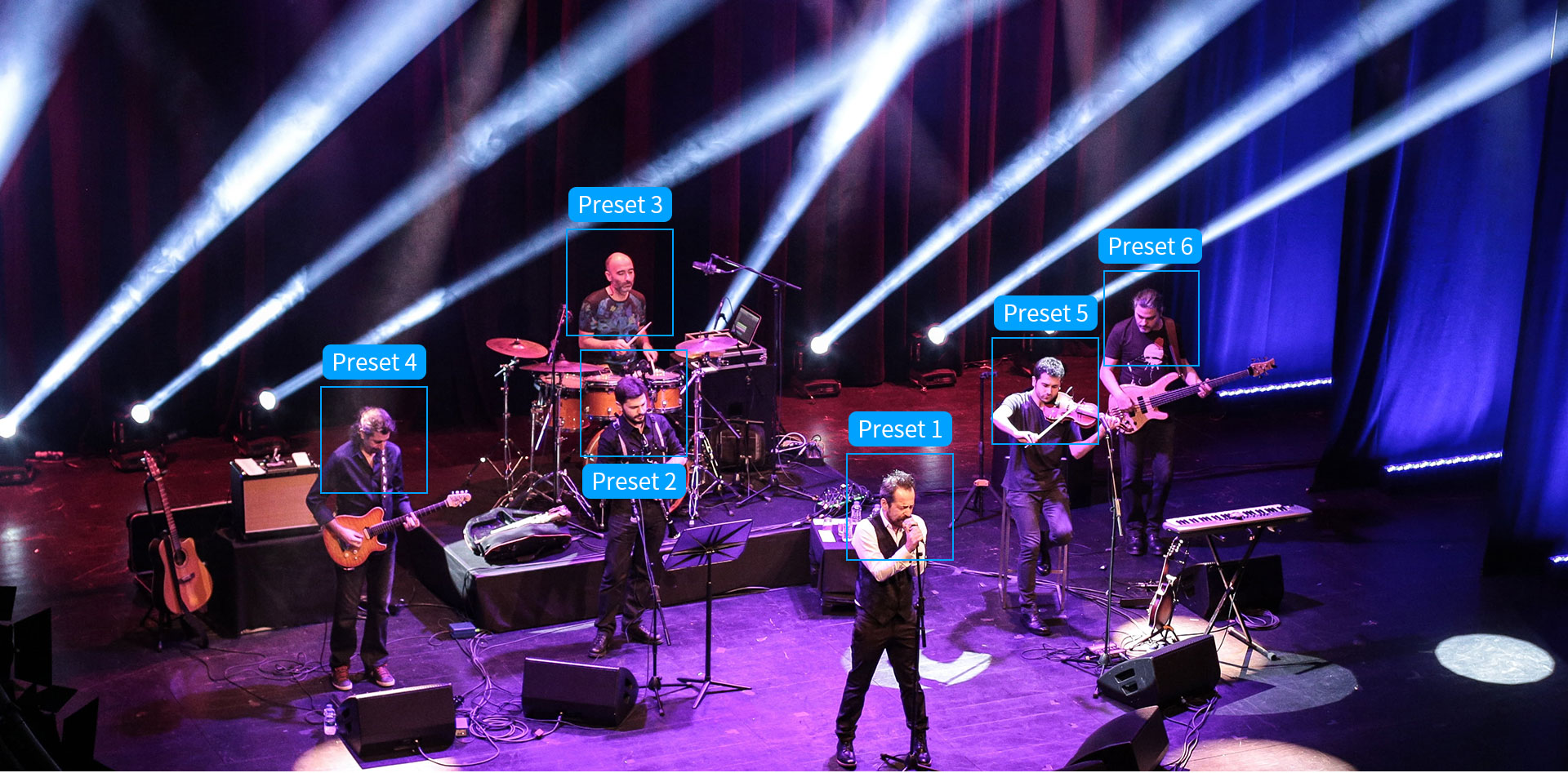
The controller can be connected up to 255 PTZ camera via network or analog mode, combining "CAM+ NUMBER key+ ENTER" to connect camera, and combining " CALL + NUMBER key + ENTER to call out the camera.
Note: The controller and PTZ camera must be connected to the same LAN, and IP addresses must at the same segment.
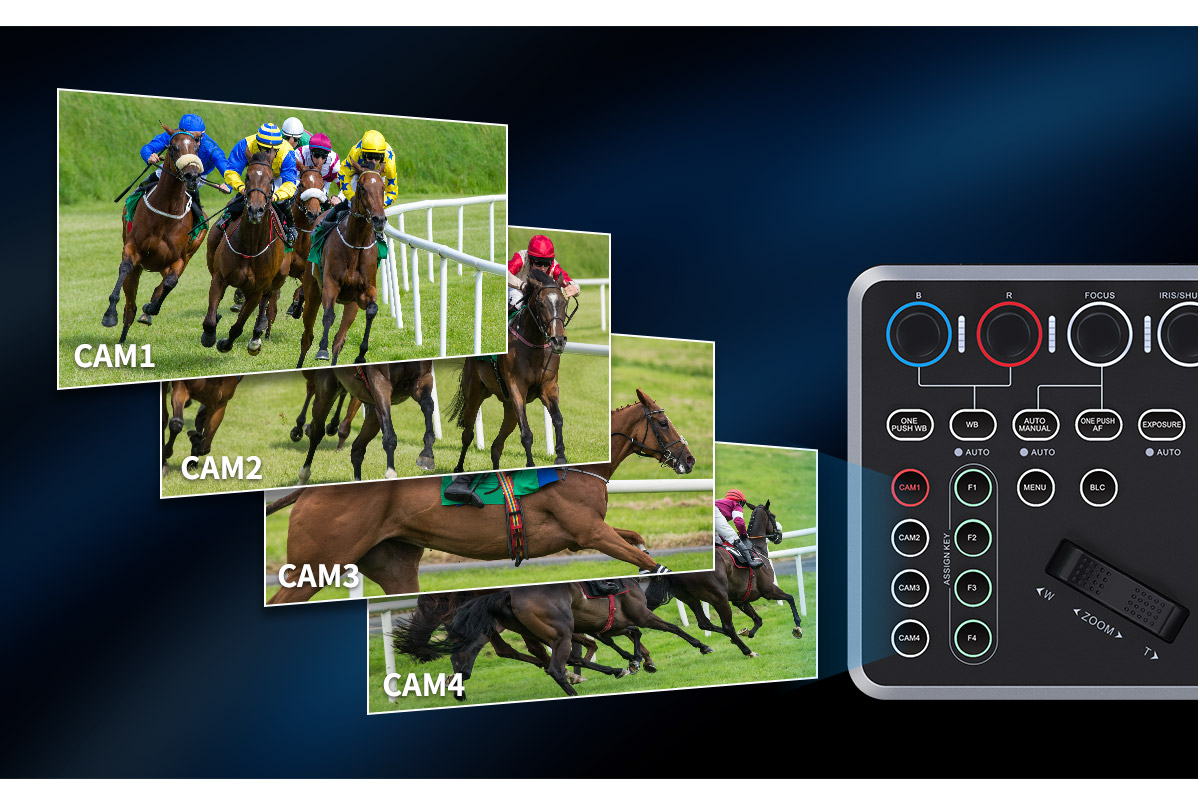
4 Cameras Seleciton Shortcut
4 Camera shortcuts can be set quickly according to requirements, "CAM1-CAM4", shortcut buttons to select cameras greatly increase the speed of switching between multiple cameras.
255 Preset Position
The Keyboard controller allow to preset up to 255 positions,and quickly call up and switch the camera.Press number keys+ PRESET to quickly set the position, press number keys+ CALL to recall the preset position, press number keys+ RESET to delete the preset position.
Professional Interfaces
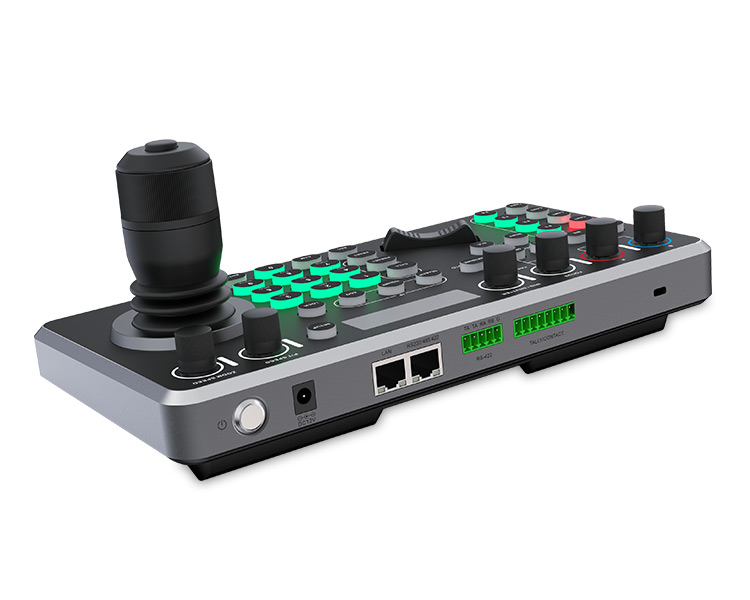
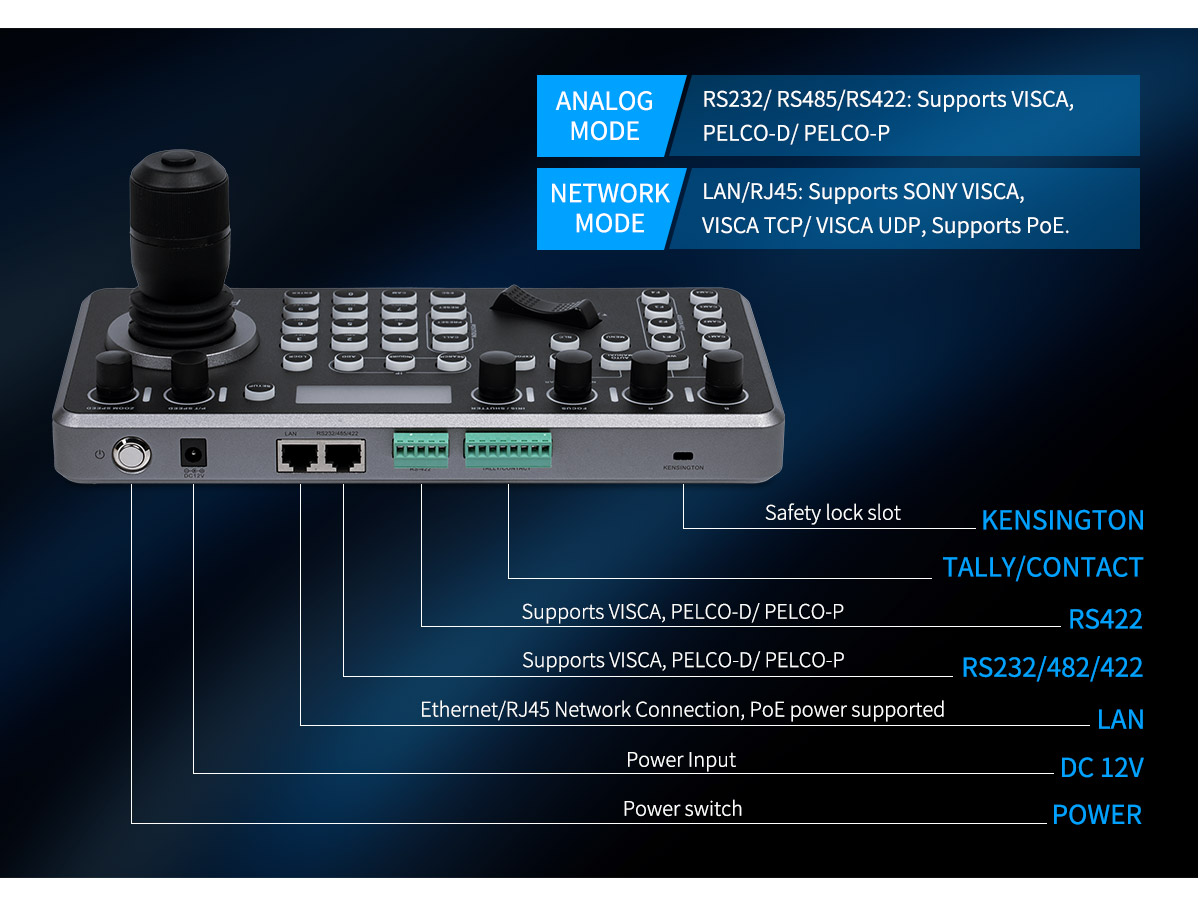
The KBC20 supports network and analog two control modes. Offers multiple professional interfaces, including RS422/RS485,RS232,and RJ45(Ethernet). Also provide TALLY contact and KENSINGTON safety lock slot.
PoE Power Supply
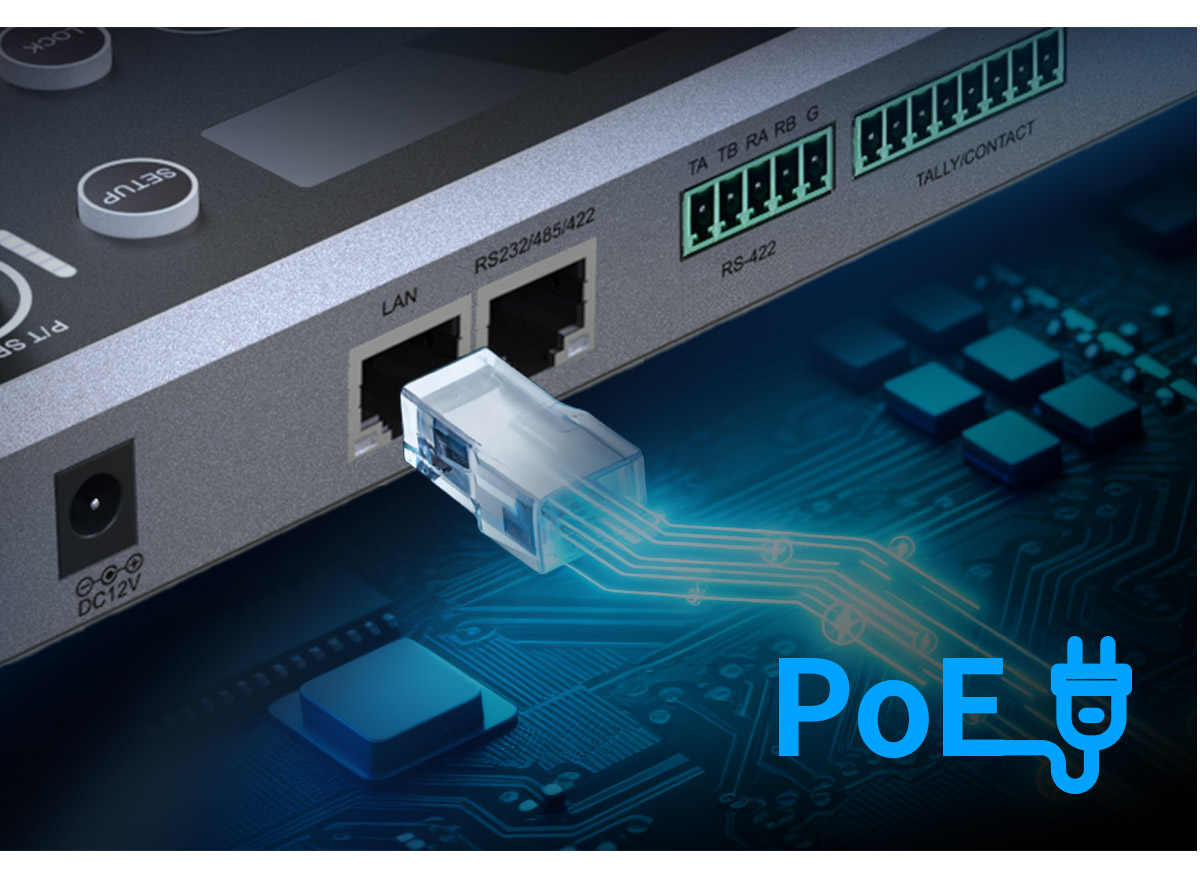
Power up your controller with one Ethernet cable,distance is up to 100m.
Note: 1.You must use a CAT6 or higher Ethernet Cable to ensure normal operation.
2.Make sure your Router or Network Switch supports PoE to power the camera through the Ethernet cable. (the Switch at least comply with the IEEE802.3af/at standard,the output voltage 48V or above).
Web Page Configuration
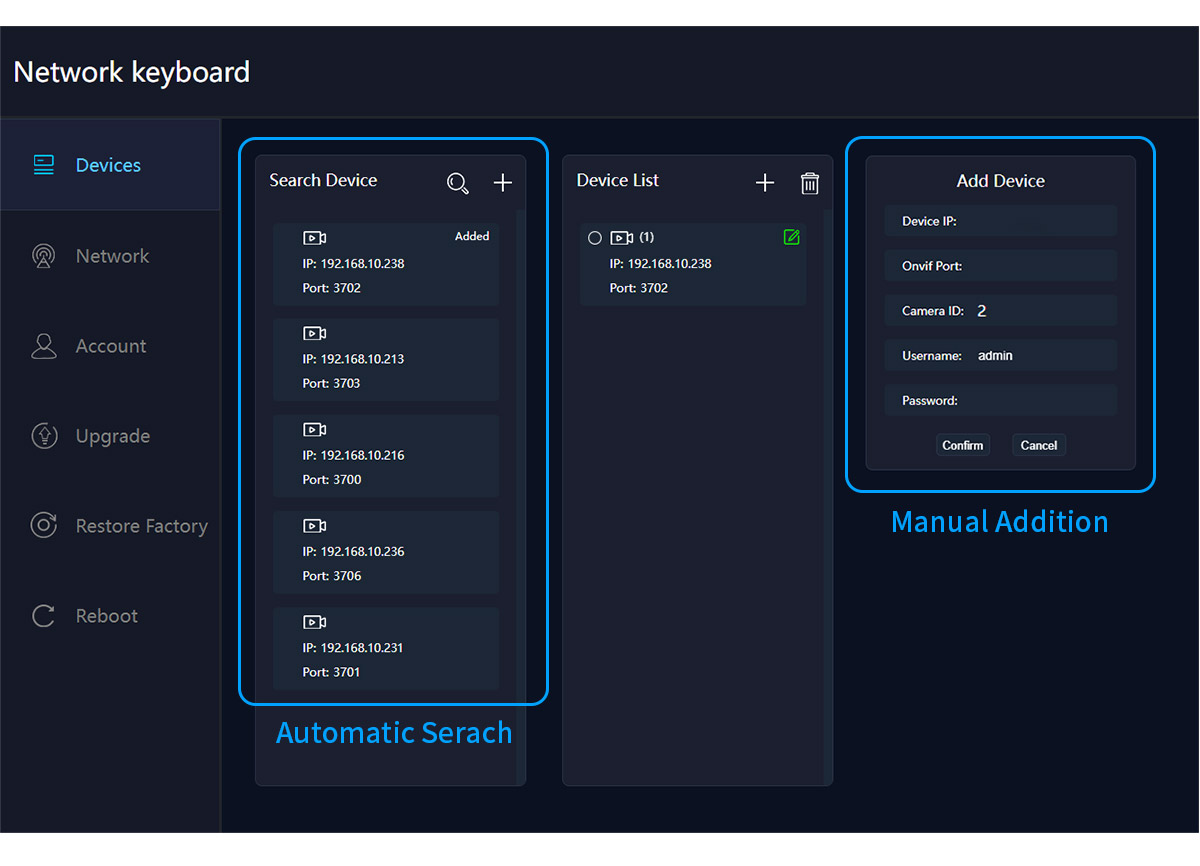
Connect the controller to the computer via network, you can automatically search or manual add PTZ camera on Web Interface (only supports ONVIF protocol adding on the web page currently),support network settings, user management, web device upgrade,etc.
* Supports multiple control network protocols, compatible with any PTZ cameras
* LCD screen real-time display working status, improve efficiency
* Reasonable button layout, easily handle any live video production
* 4D Joystick precise speed control
* Custom button setting, more flexible for controlling
* Multiple control connectors, up to connect 255 cameras
* Supports POE (Power over Ethernet)
Connector
| Model | KBC20 |
| LAN | 1×RJ45 |
| RS232/RS485/RS422 | 1×RJ45 networkport to 9-pinround hole male |
| RS422 | 1×5 Pin Terminal |
| TALLY/CONTACT | 1×8 Pin Terminal |
| KENSINGTON | / |
Performance
| Control Protocol | ONVIF | IP VISCA | VISCA | Pelco-D | Pelco-P |
| Baud Rate(dps) | 1200, 2400, 4800, 9600, 19200, 38400, 115200 |
| Display | LCD Screen |
| Key Tone | ON/OFF |
| Joystick | Four dimensions (control: up, down, left, right, zoom, rotation) |
| Upgrade | WEB upgrade |
Other Parameters
| Input Voltage | DC 12V |
| Power Consumption | Maximum: 0.6W |
| Temperature | 0℃~50℃ |
| Humidity | 0%~90% |
| Unit Weight | 1.3kg |
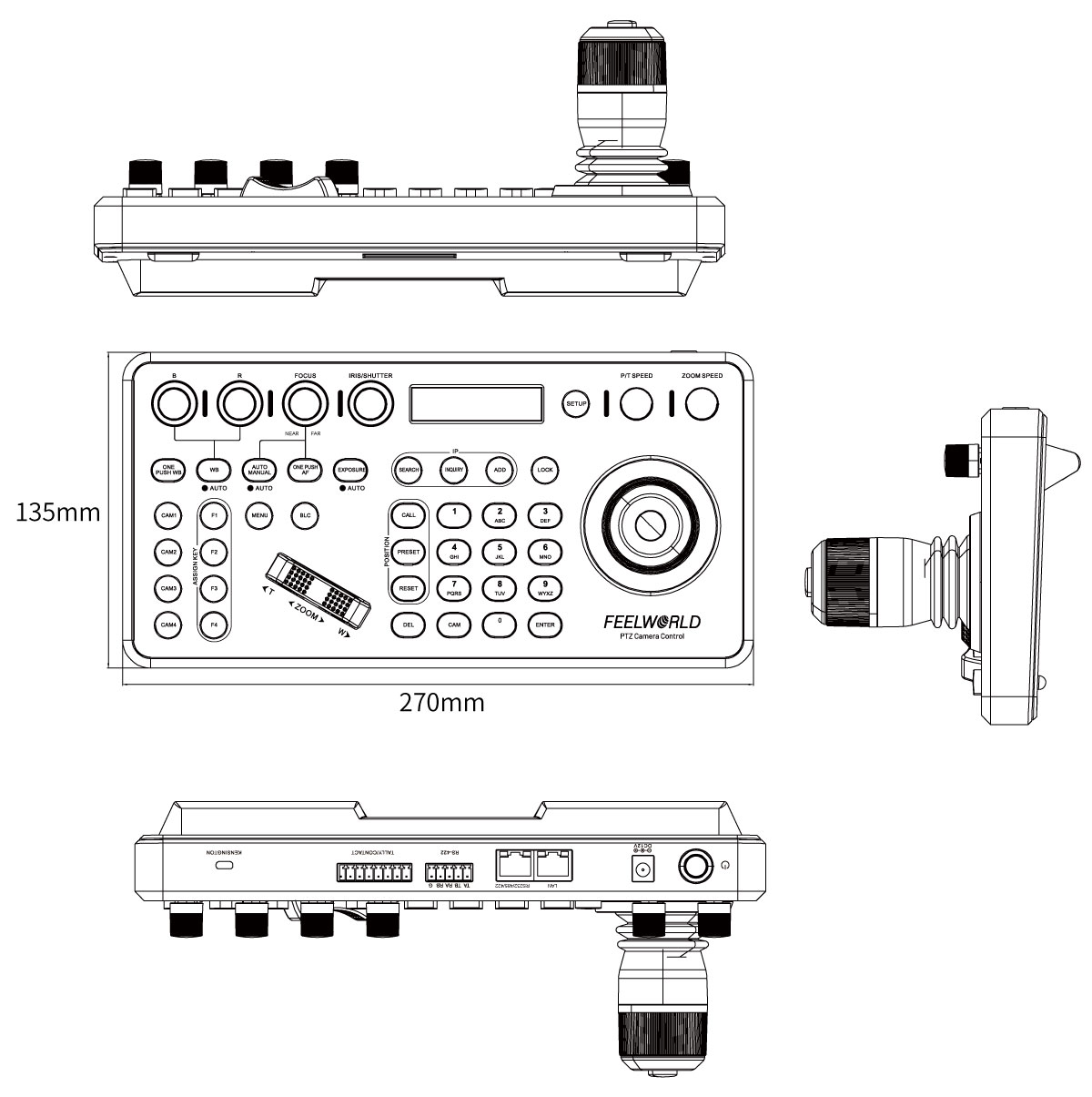
| Unit Size | 270×135mm×110mm |
| Outer Carton Qty | 6pcs |
| Outer Carton Size | 561*336*300mm |
| Gross Weight | 11.5kg |
Structure Dimensions (Unit: mm)
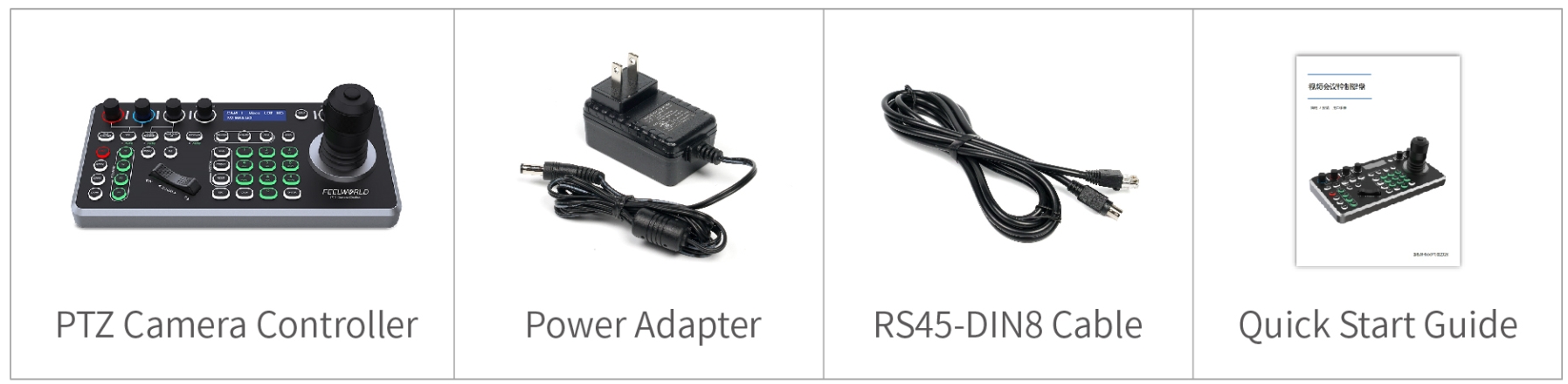
Packing List:
1× Controller
1× Power Adapter
1× RS45-DIN8 Cable
1× Quick Start Guide
Packaging Picture